


Calm, connected, correct dismissal. Every. Single. Day.
The highest-risk half-hour of each day is dismissal. Even with hundreds of students and a short window, Orah helps you ensure the right child leaves with the right adult; every time.
Every student accounted for, and a line that keeps moving
Trusted by 500+ top schools in 20 countries

















One Record + A Shorter Line = Safer Handoffs
Verified
Students are only released to approved contacts. Verification is part of the handoff, not a "nice-to-have" that gets skipped when the line's long.
Coordinated
One live view shows arrivals, class release, and handover, so there's less radio traffic, shorter wait times, and fewer students standing outside.
Accurate
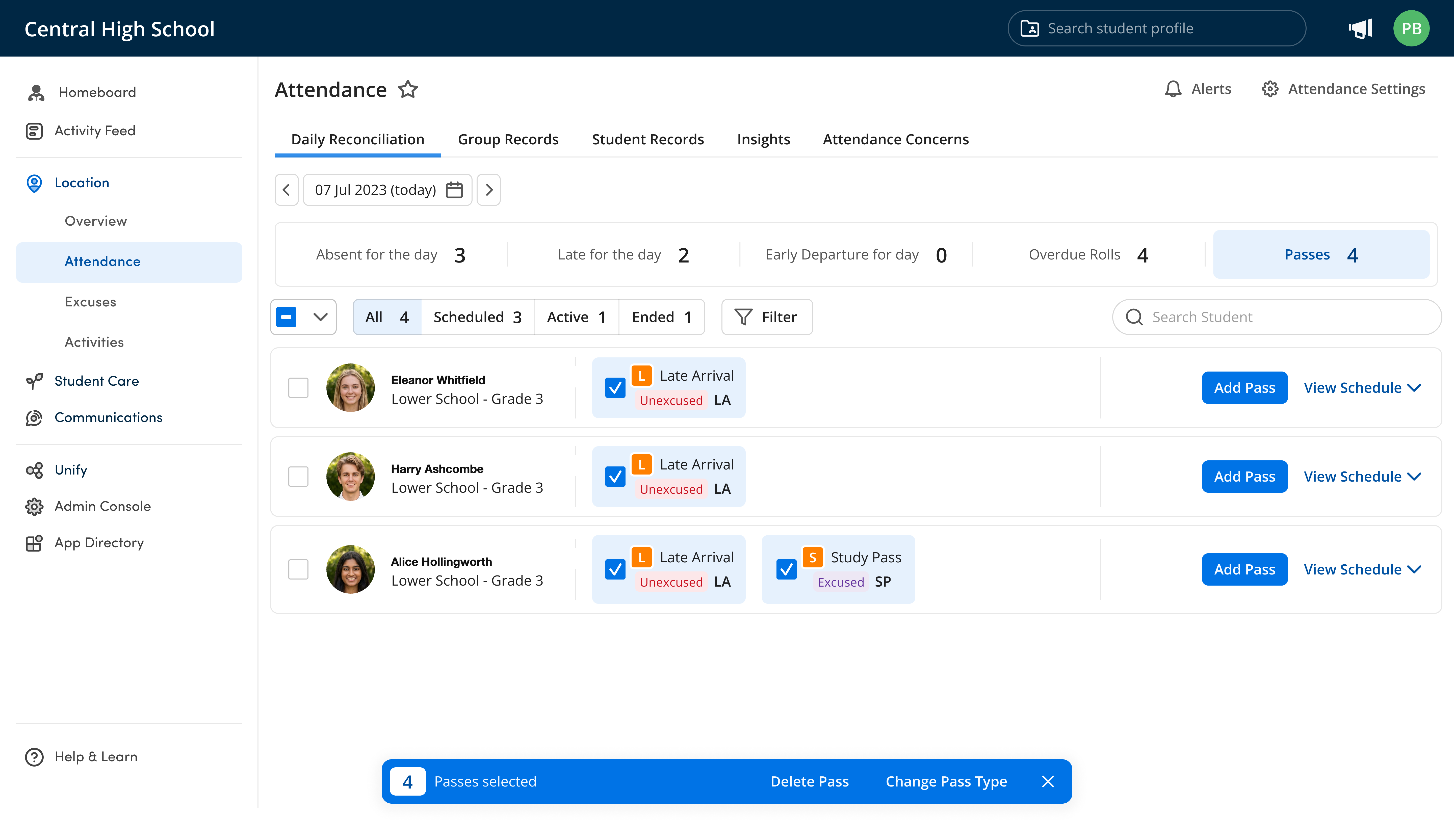
Attendance shows who arrived, passes show who left early, and dismissal shows who went home with whom. They all write to one record, so the list of who's still on site stays up to date.
Set up your week once, then Orah runs it smoothly

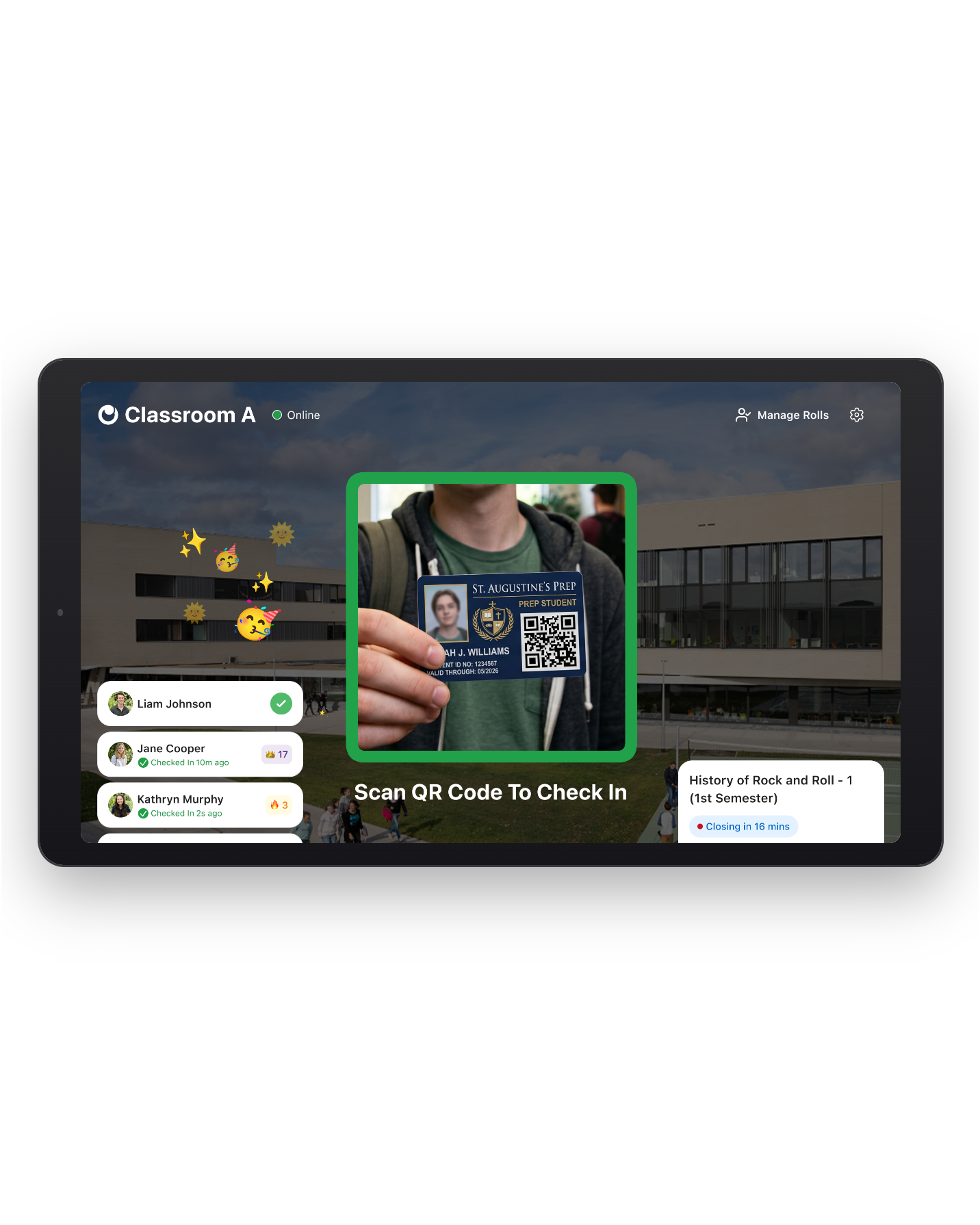
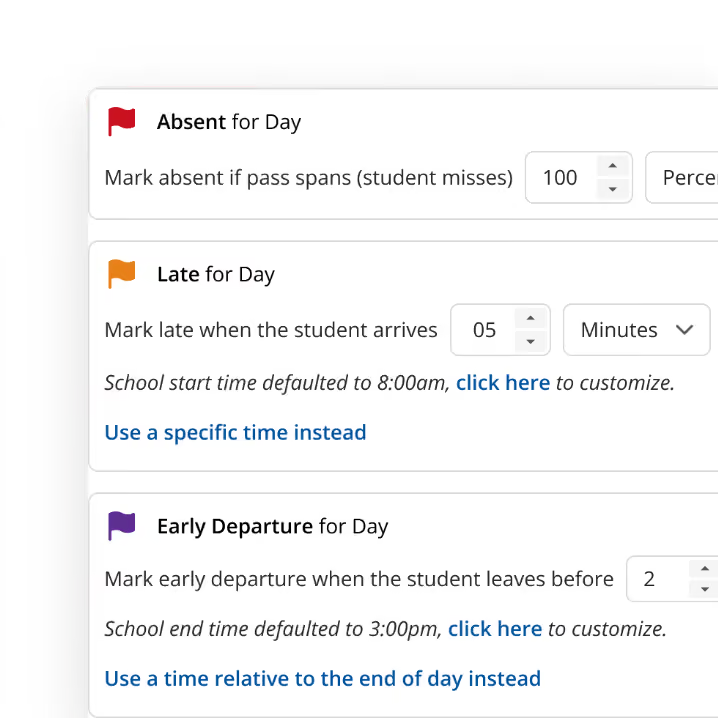
Configure school-wide dismissal rules once
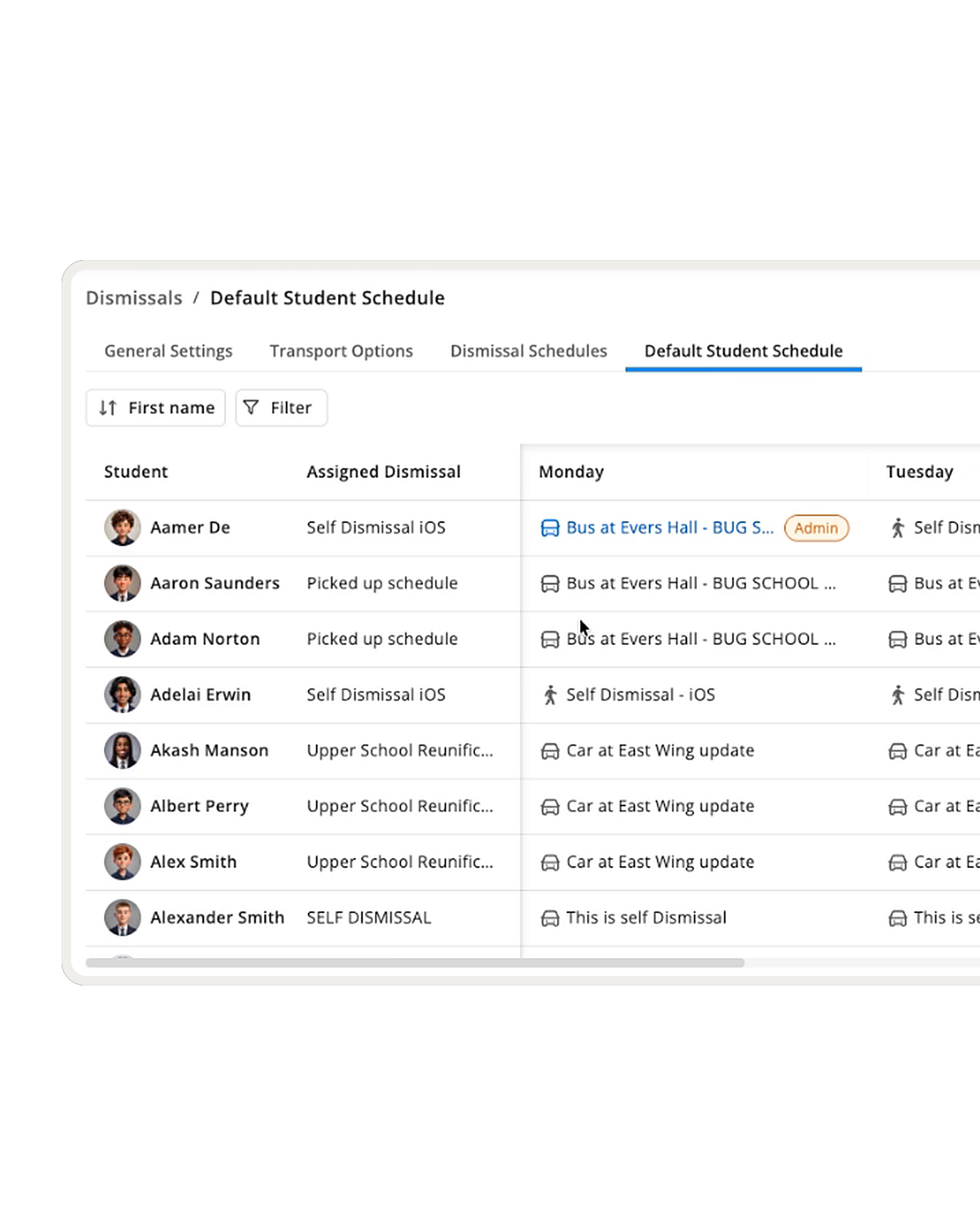
Orah replaces spreadsheets and binders with a schedule for each division or student group. Lower School leaves at 3:00 while Middle School leaves at 3:20, with unique rules for each.
A default weekly plan for every student
Start with the school default, but then let parents customize from your list of options. Each student has a plan for each day of the week, whether they're taking a car, bike, public transport, or walking.
Trusted contacts, approved by families
The list of trusted contacts your gate staff members check is built by families, not from outdated records. Visiting relatives or neighbors receive a QR code by email that only works for that day.
When plans change during the day, dismissal changes too

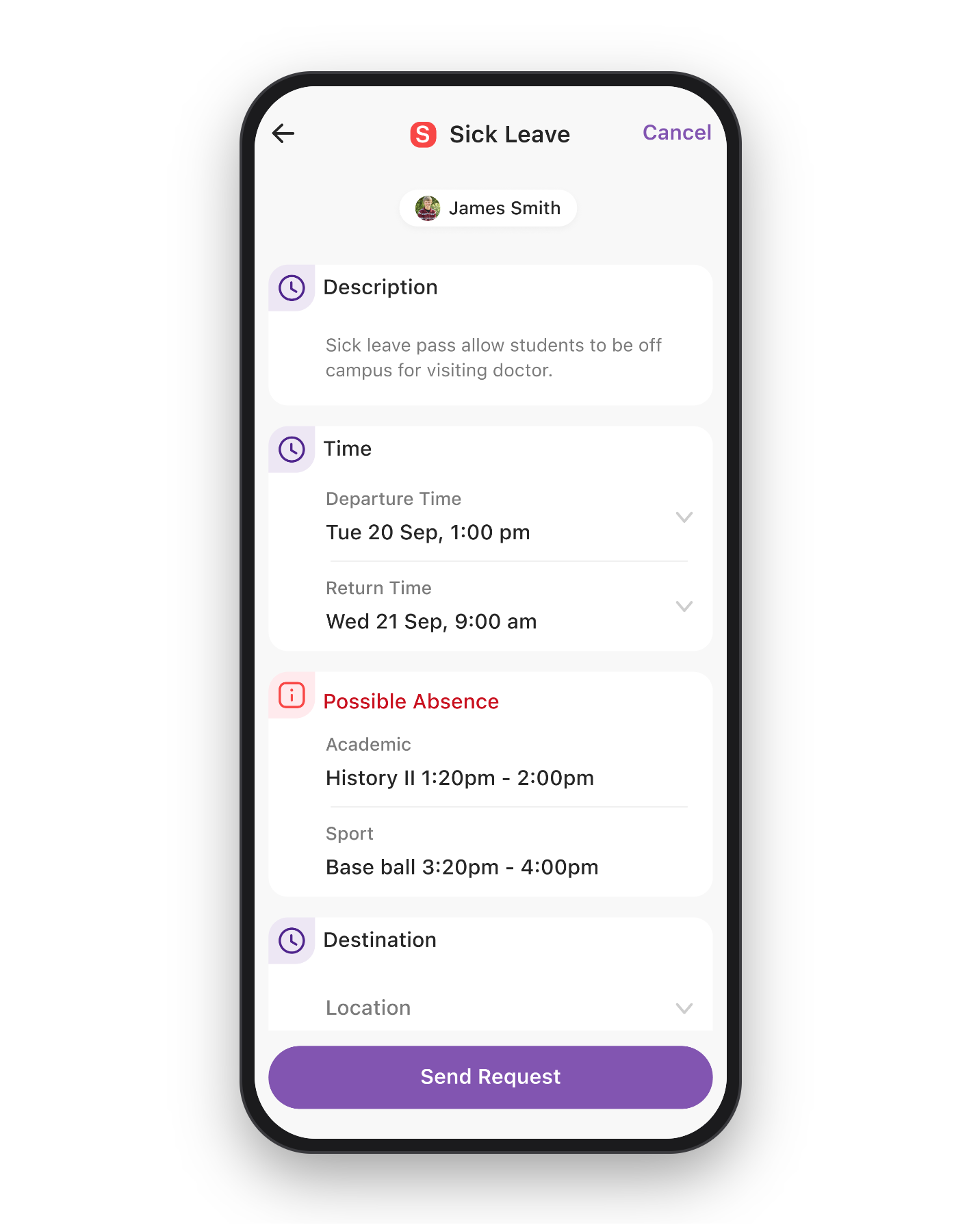
Parents manage their own dismissal plans
A parent changes Thursday's pickup from their phone based on your options and cut-off time, the dismissal list updates, and parents get confirmation when their child is handed over.
No need to check passes against the dismissal list
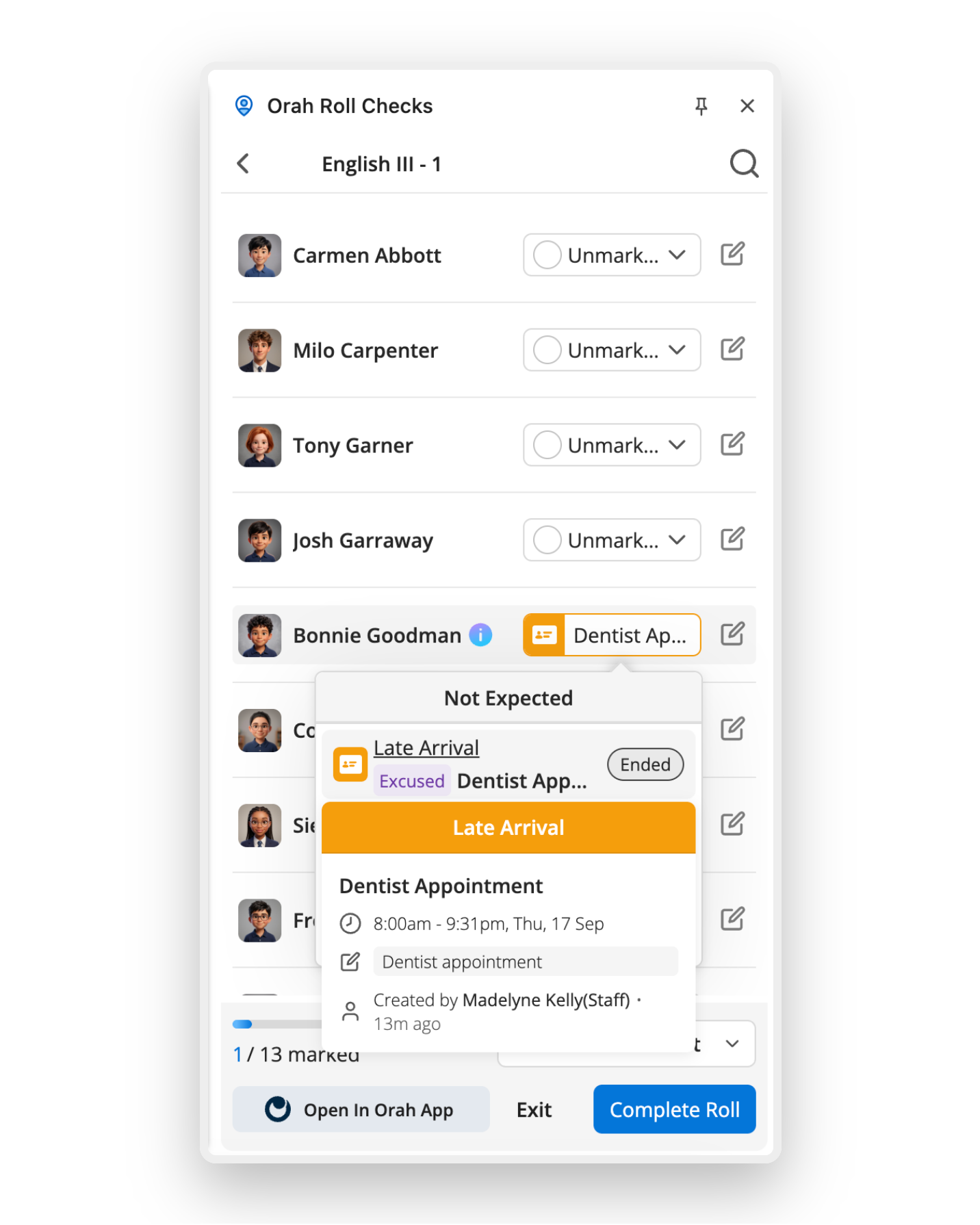
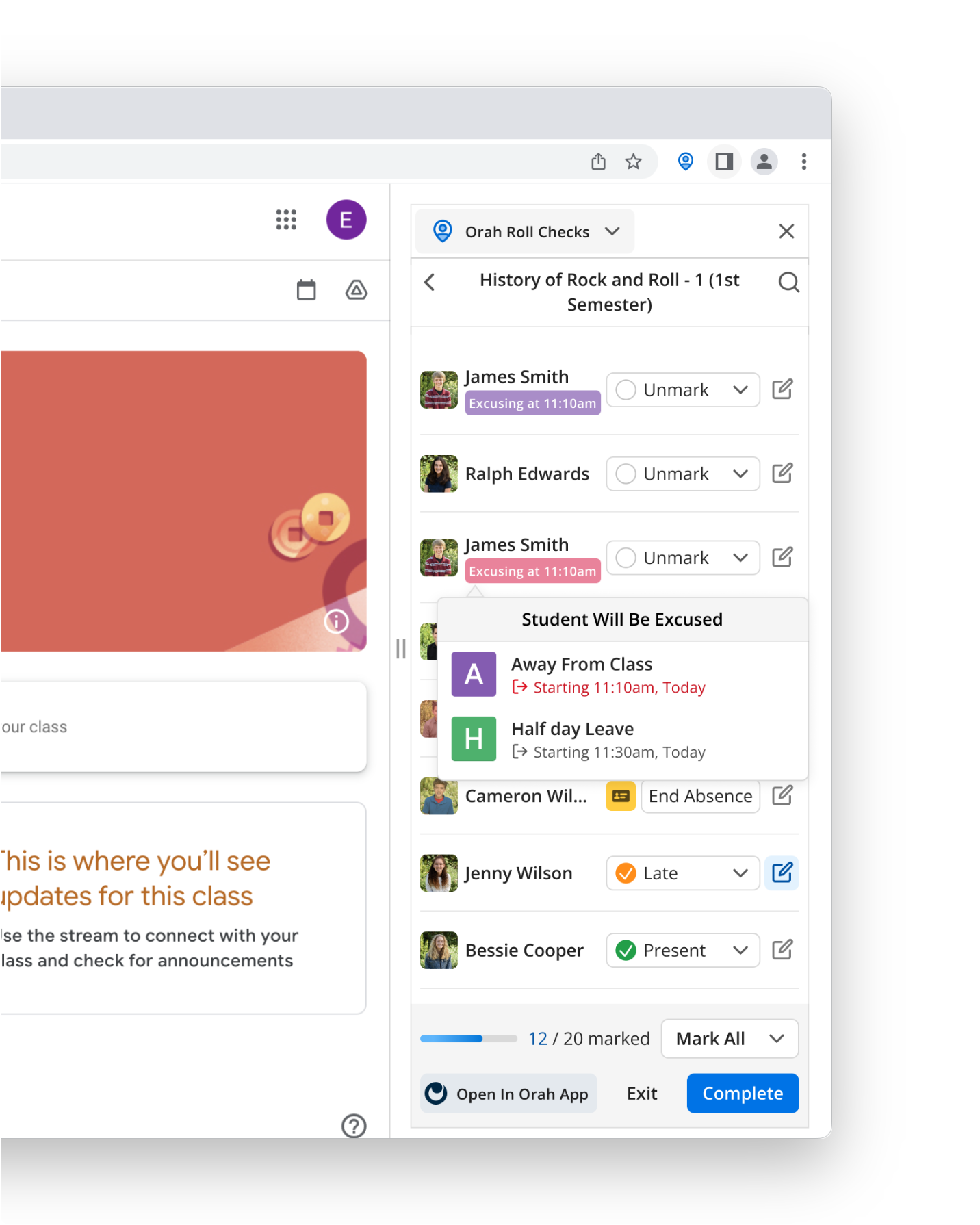
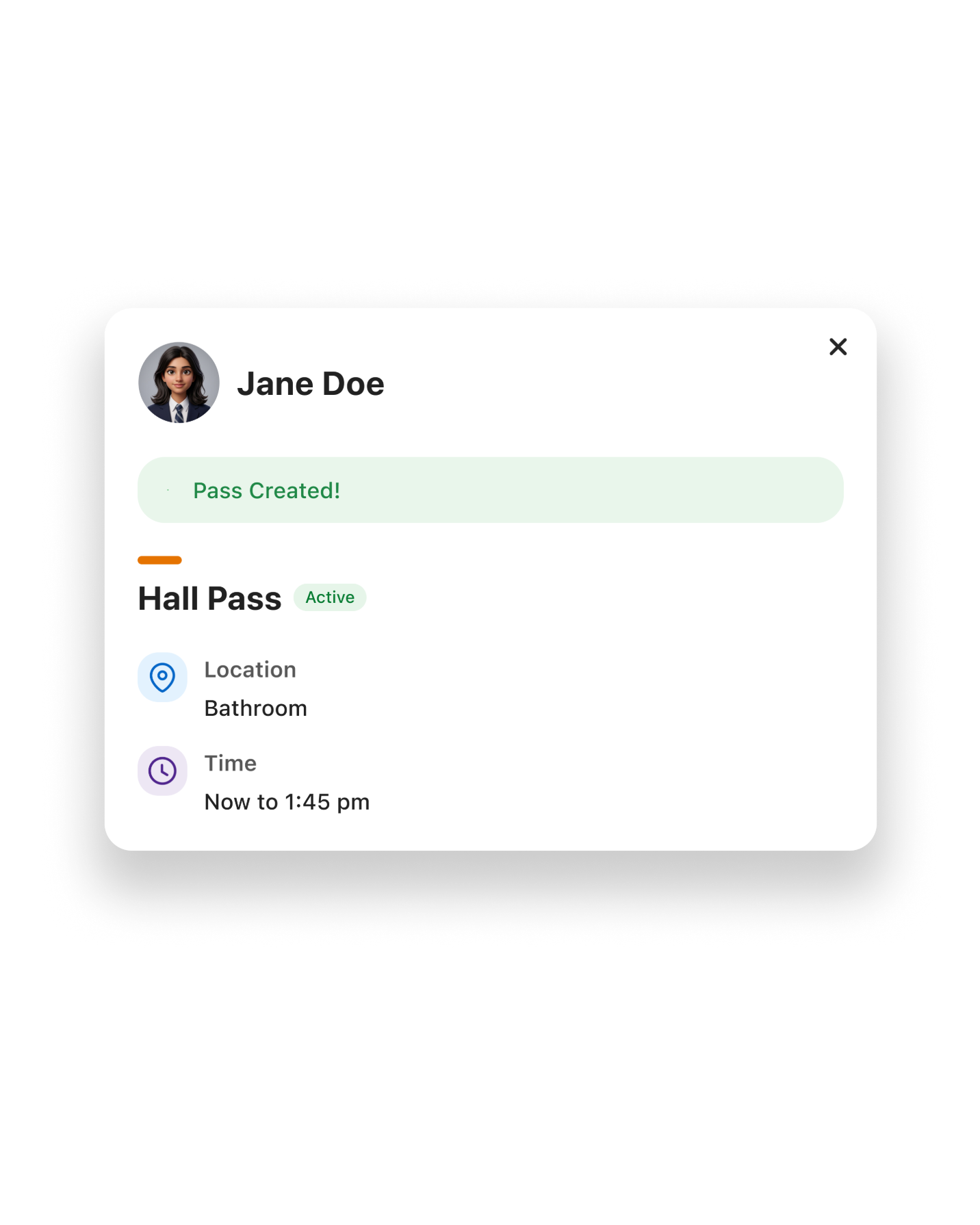
Once a pass is approved, the student comes off regular dismissal, with the pass's time and location already attached. The dismissal list and the pass agree because they're the same record.
Staff overrides get recorded, not lost
Plans change at 2:45, and staff members can update them right away. Orah keeps the original entry, who edited it, and what it replaced, so the record stays complete.
A dismissal list with only students who should be on it
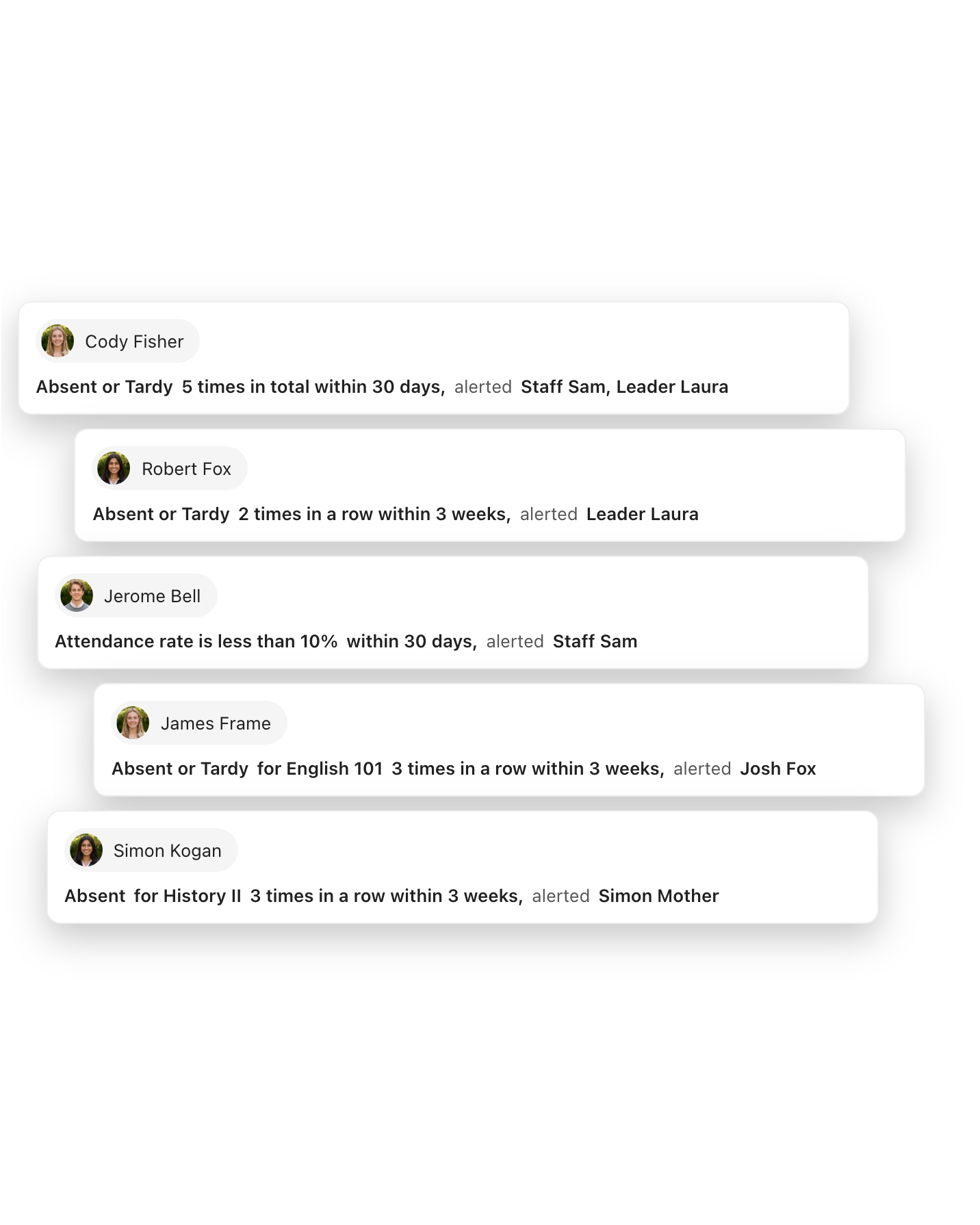
Staff members never have to look for someone who never arrived because attendance feeds dismissal, so students not on campus don't appear on the dismissal list.
Everyone sees the same thing when the bell rings
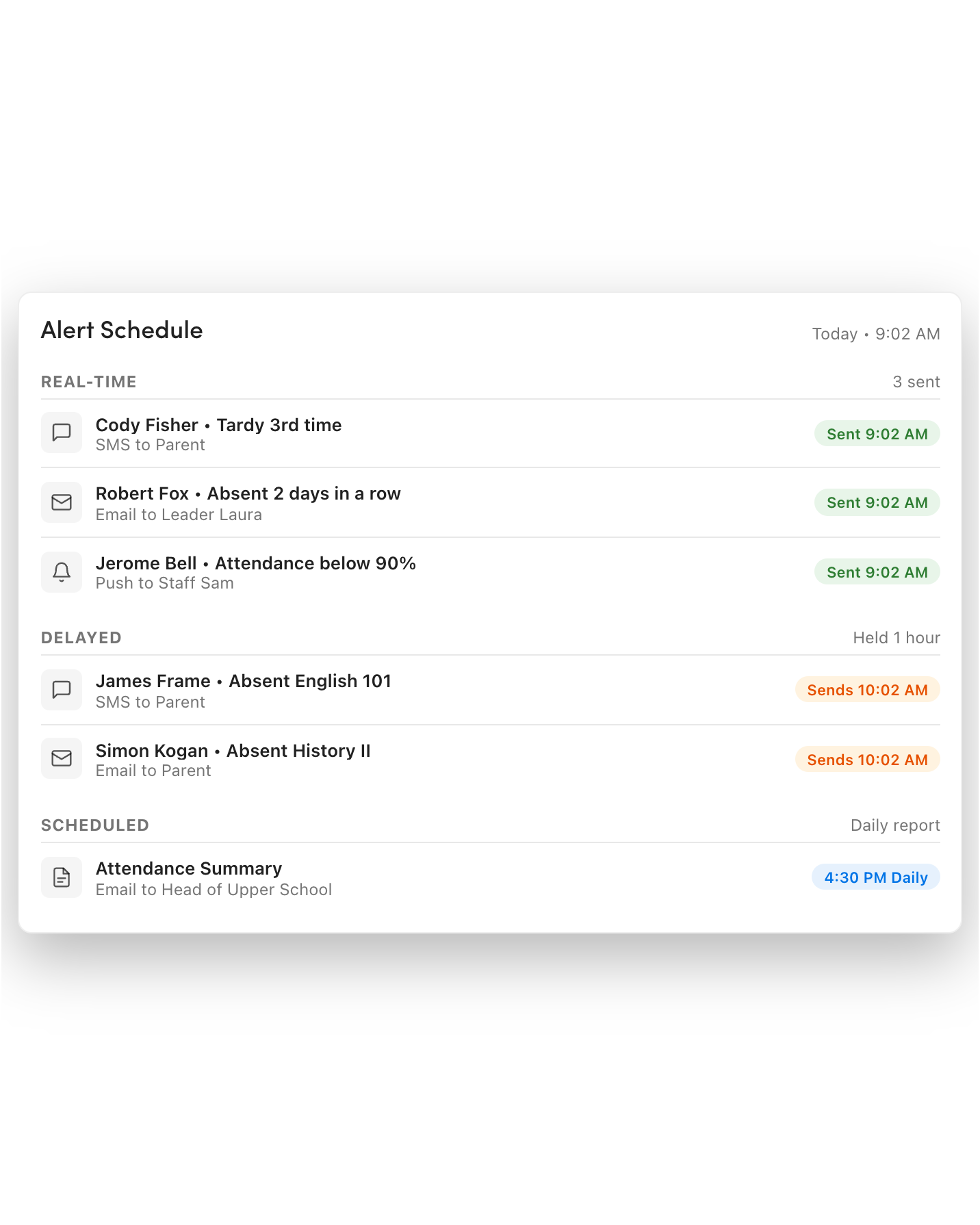
Orah updates lists throughout the day, so you always have up-to-date information when you need it.

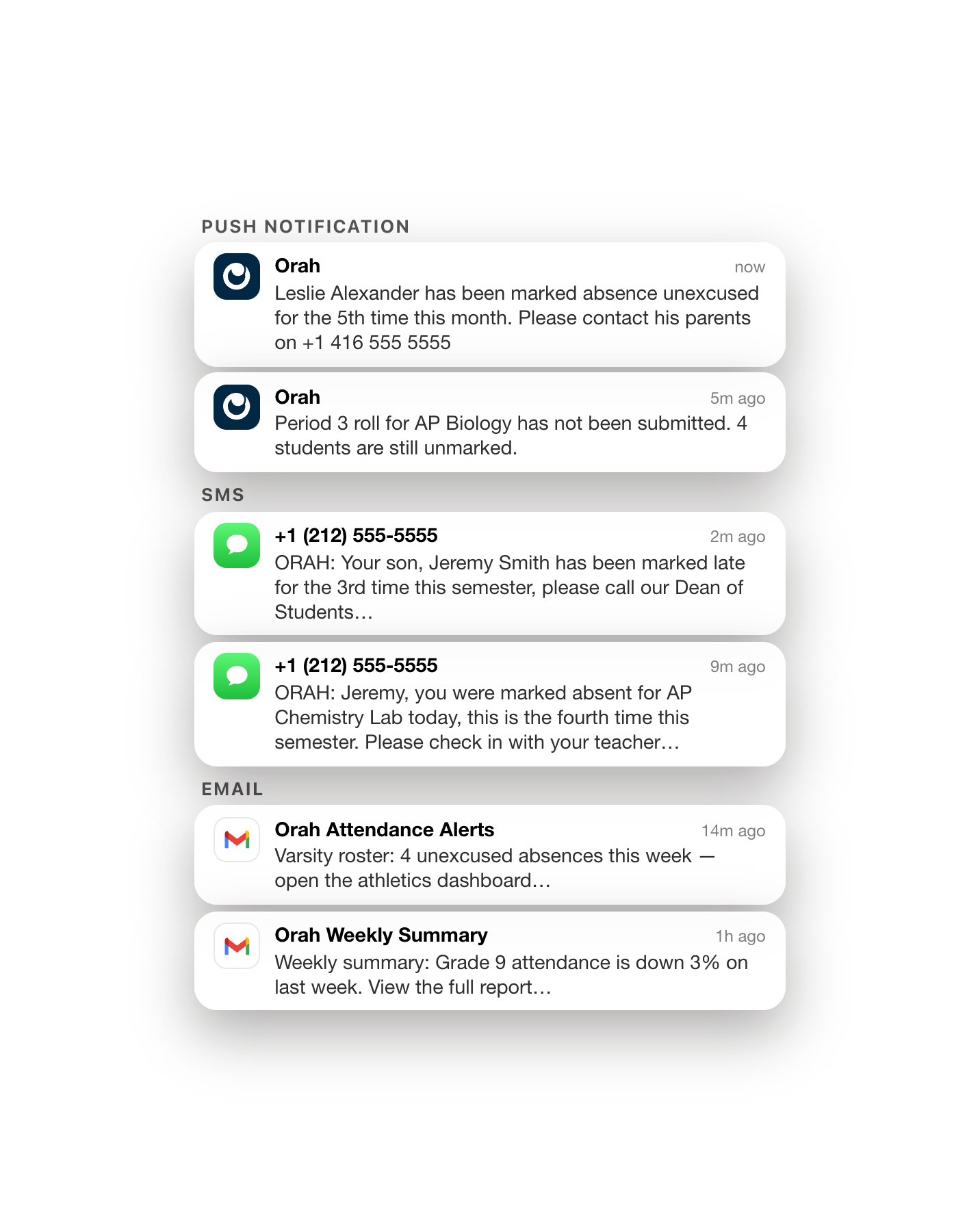
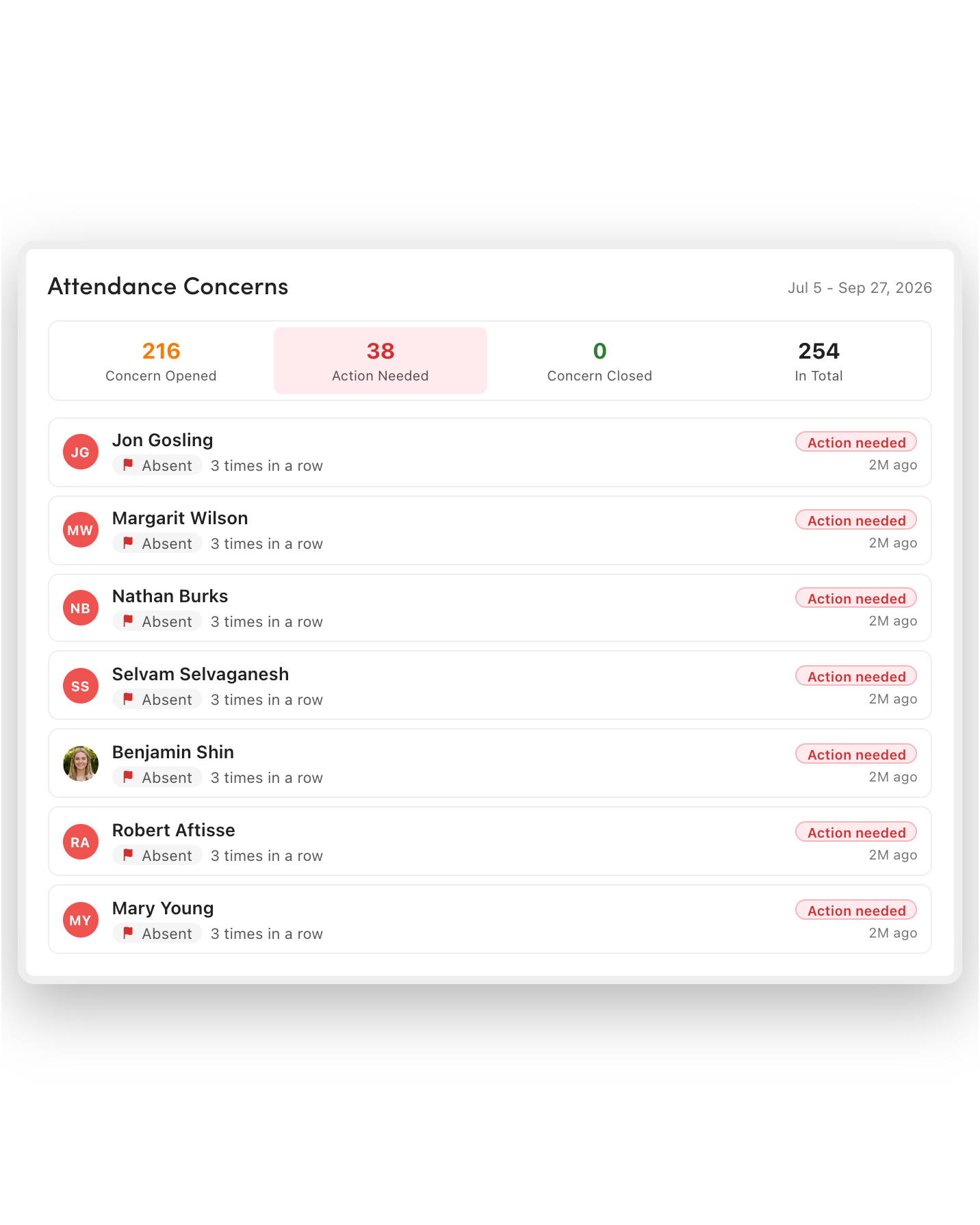
Smooth pickup via multiple arrival notifications
Parents announce arrival from the Family App, or staff members log them with a QR scan or by hand. One arrival brings every sibling forward.
You control who can self-announce, and how
You can turn off self-announcing, limit it to authorized contacts, or tie it to QR scans. Choose the setting that suits your gate, so the line reflects who's really there.
One action moves the whole group
The bus pulls in, and one action moves every rider to the next status. Walker groups work the same way, so staff members aren't wasting time tapping individual names.
The same picture for everyone
When a status is updated, the teacher's view, the parent's view, and the dismissal dashboard change at the same moment, so students move when they need to.
What handoff looks like
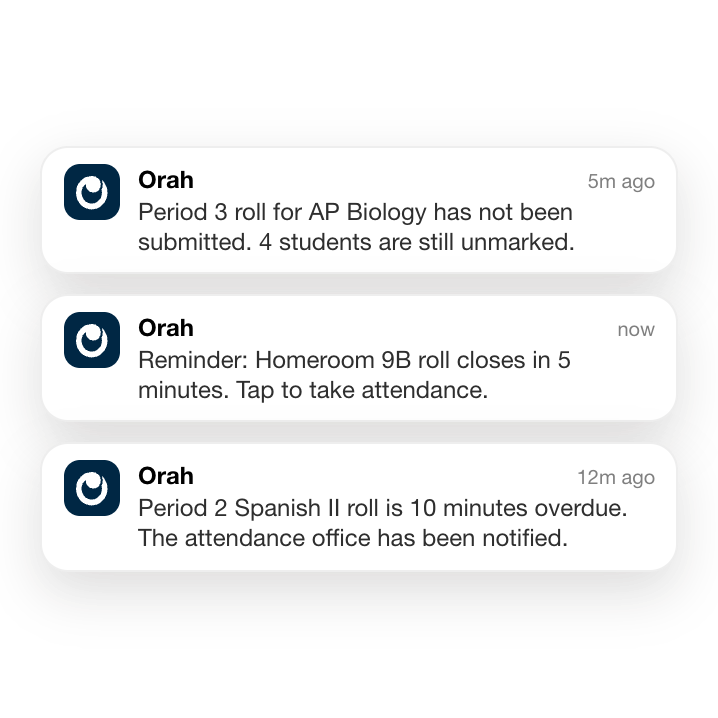

Verification is always part of the process
Whether the face is familiar or new, the collector is checked against the approved contact list before the student is released. You decide whether to require a QR scan as well.
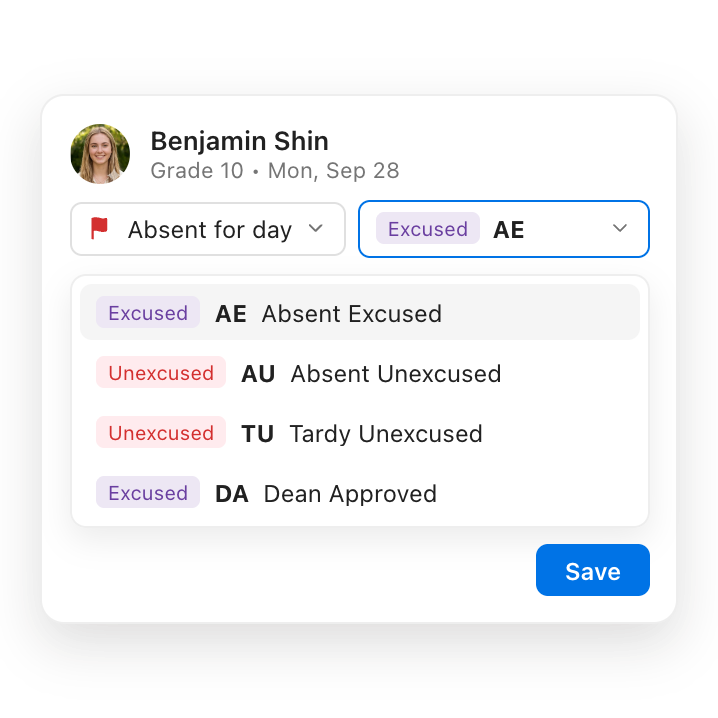
A new face at the gate, approved before they arrive
No call to the office, no guessing. A one-off collector shows the pickup-specific QR code they were emailed, a staff member scans it, and the release is recorded.
Mixed statuses are no longer a headache
One group is part-collected, or a parent arrives out of sequence. The list reflects that, student by student, so nobody has to remember who's still waiting.
After the last student leaves


A complete, up-to-date record of every handoff
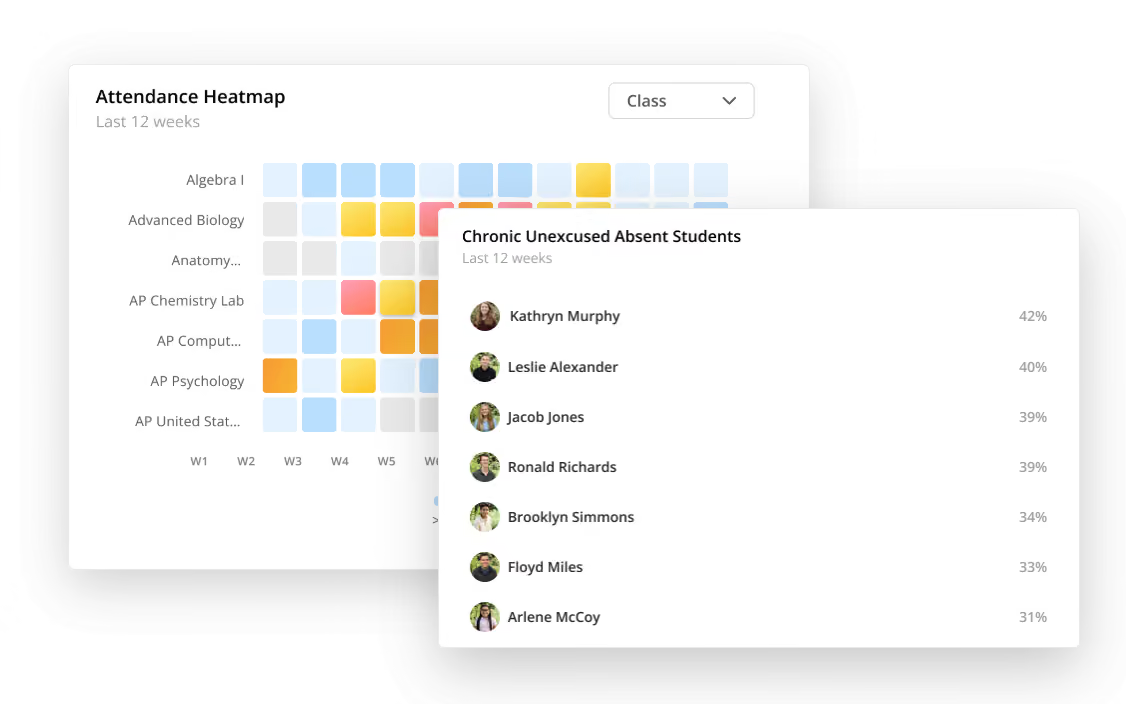
Pick a student and a day, and see every arrival, status change, and departure, with who made each one, when, and what it replaced.

A record of where every student is, from first bell to pickup
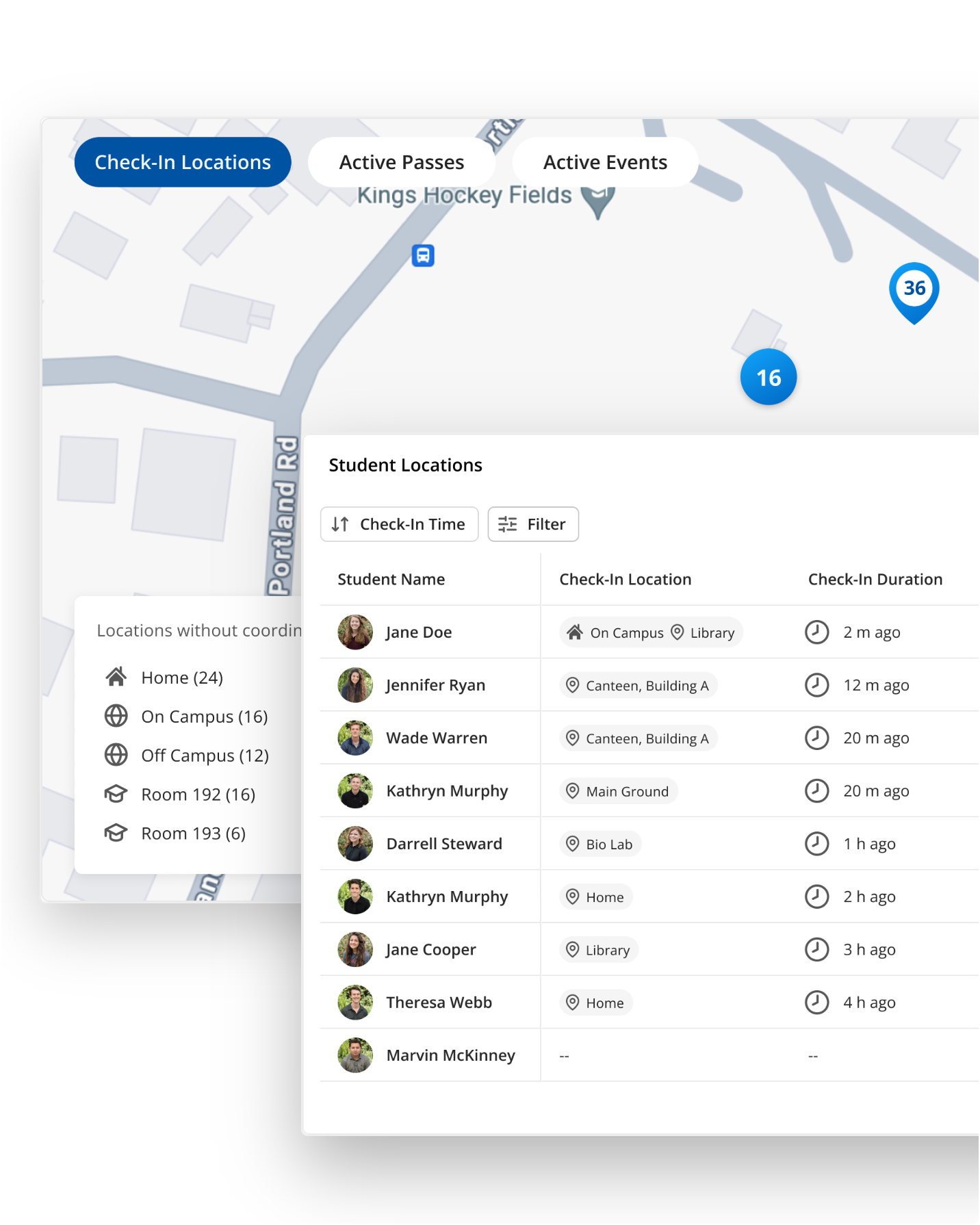
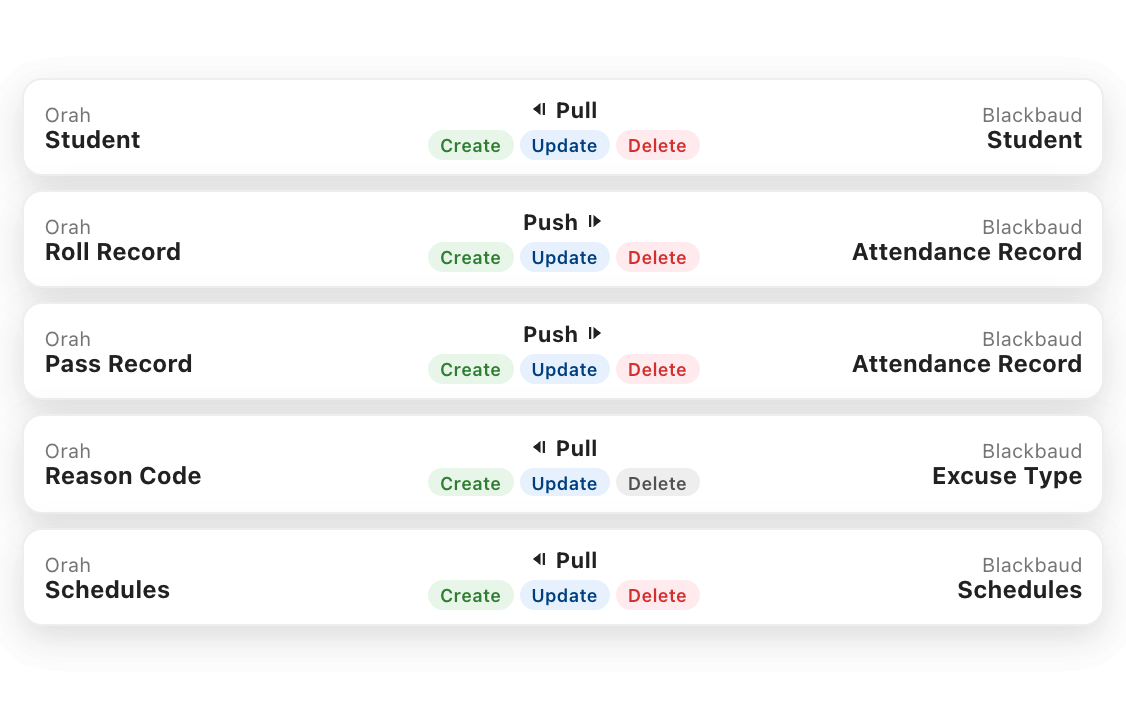
The morning roll, a 1:30 pass, and a 3:05 pickup all land on the same student record. Staff members see who's on campus at any moment of the day, not just at the bell. This isn't possible with standalone dismissal platforms.
FAQs
Can parents change how their child gets home?
Absolutely. Using the Family App, parents can change a single day or a recurring plan (within the transport options and cut-off times the school sets) and see confirmation when their child is handed over.
How does Orah verify who is collecting a student?
The collector is checked against the approved contact list before the student is released, which can include a QR scan if schools desire. One-time contacts can be emailed a pickup QR code, valid for that pickup only.
Can substitute teachers mark the roll?
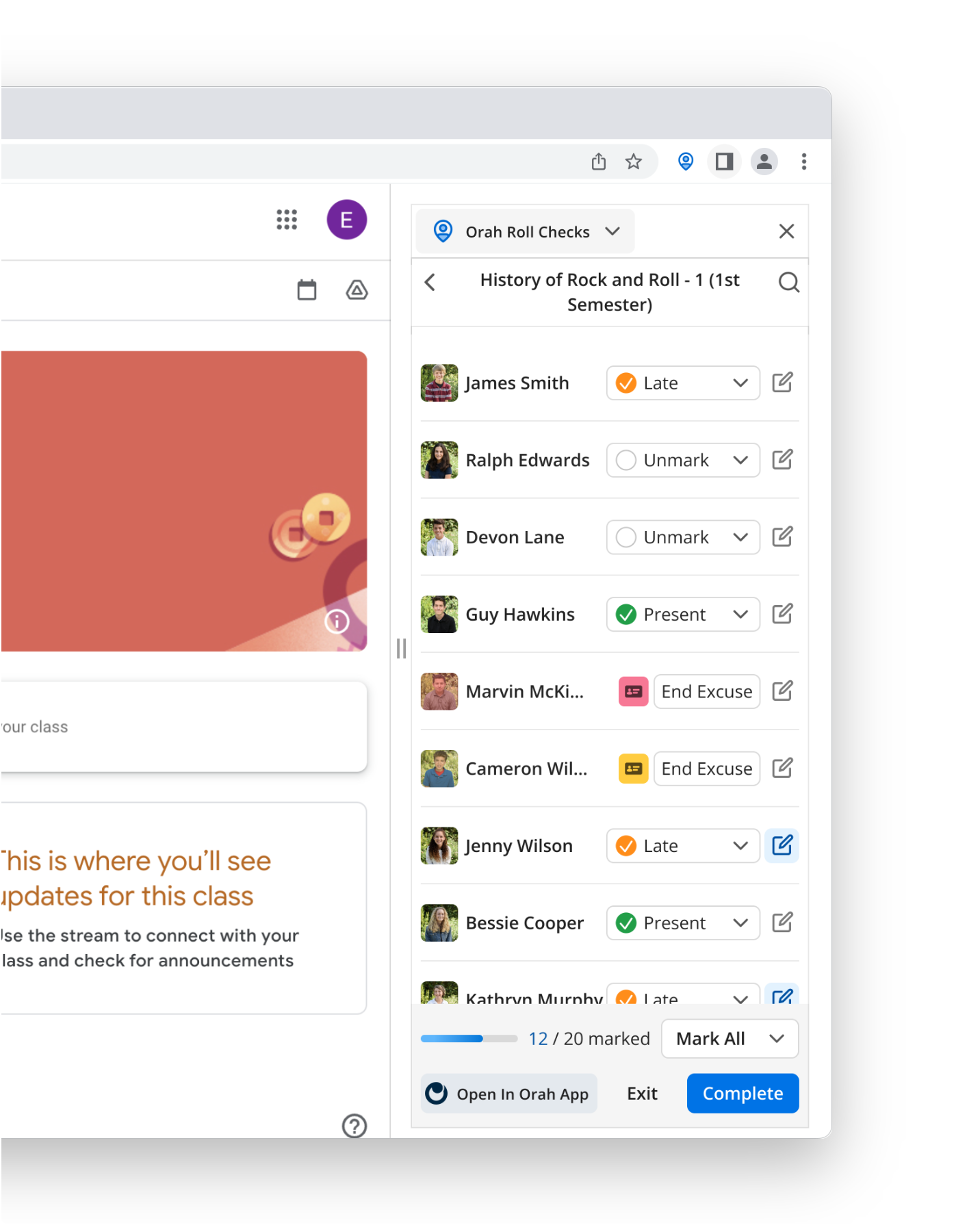
Yes, with no backend setup. Substitute/covering teachers simply select the teacher they are covering for and mark the roll instantly.
What happens when a pass and the dismissal plan disagree?
Nothing disagrees because an approved pass directly changes the dismissal plan. The student is removed from regular dismissal, and the pass documents the time and location.
Can we stop parents self-announcing from home?
Yes. Self-announcing can be switched off entirely, limited to authorized contacts, or gated behind a QR scan so the list reflects who's actually at the gate.
What if a student is absent that day?
Dismissal follows attendance, so a student marked absent in the morning doesn't appear on the dismissal list, so no one goes looking for them at 3:00.
See the next generation of class attendance
A 30-minute walkthrough with someone who knows school attendance operations.


