Give residential and day teams the same real-time picture of where students are, so handoffs are clean and accountability is clear from class through curfew.
Accounted for all students in an emergency
Students worldwide
World's Top 250 EdTech Companies 2024

.avif)


Day attendance lives in one place. Boarding leave and check-ins live somewhere else.
It’s hard to know where every student is at any moment.
↓
Students move fast: class, athletics, town leave, dorm, evening activities.
↓
Staff fill in the gaps with texts, radio calls, and best guesses.
Important notes live in too many places (notebooks, spreadsheets, email, google docs!).
↓
When something goes wrong, the first job is rebuilding the roster.
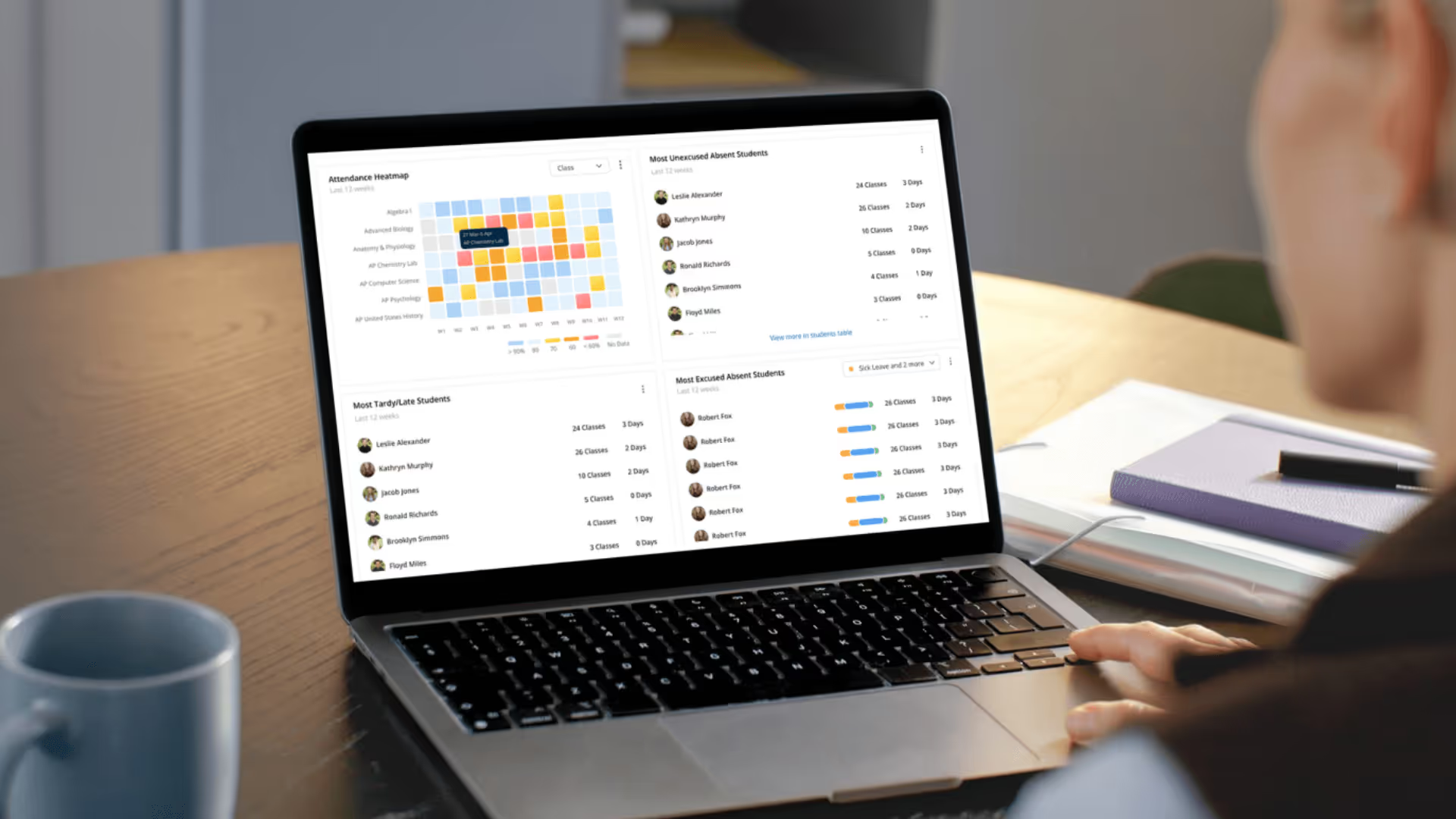
Residential staff start the afternoon knowing who should be in house, who is off campus, and who is still in an activity.
See who is on campus, off campus, or on leave at a glance. Replace paper lists and ad‑hoc spreadsheets with one live view of student locations. Any staff member can quickly confirm where a student should be.
%20(1).avif)
%20(1).png)
Each student has a single profile with notes, incidents, health or pastoral information, and location history. Staff on duty see what’s going on in that student’s life so they can check in early and support them better.


When inspectors or leadership ask for records, you can pull them up in seconds. Search past incidents, attendance, and notes from one secure system instead of digging through folders and emails.
.avif)

During your shift, log incidents, wins, and follow‑ups as you go. At the end of the shift, Orah turns those notes into a clear duty report you can share with the team or leadership.
Orah integrates with student information systems like iSAMS, Veracross, Blackbaud, FACTS, Synergetic and more. If we don't support your existing systems yet, you can also connect your own via our Open API. For you, that means fewer double‑entries and more reliable data across your systems.


See all integrations

Students and parents request leave in Orah. Staff approve it and locations update automatically.

On duty, staff see who is where, check students in and out, administer medication, and record anything that needs follow‑up.

Leaders see trends, reports, and records so they can support staff, report to the board, and prepare for inspections.