


Know where every student is before anyone asks
Most emergency tools sit idle between drills. When the alarm goes, staff members are asked to open an app they haven't touched in six months and account for children under pressure. Orah's different.
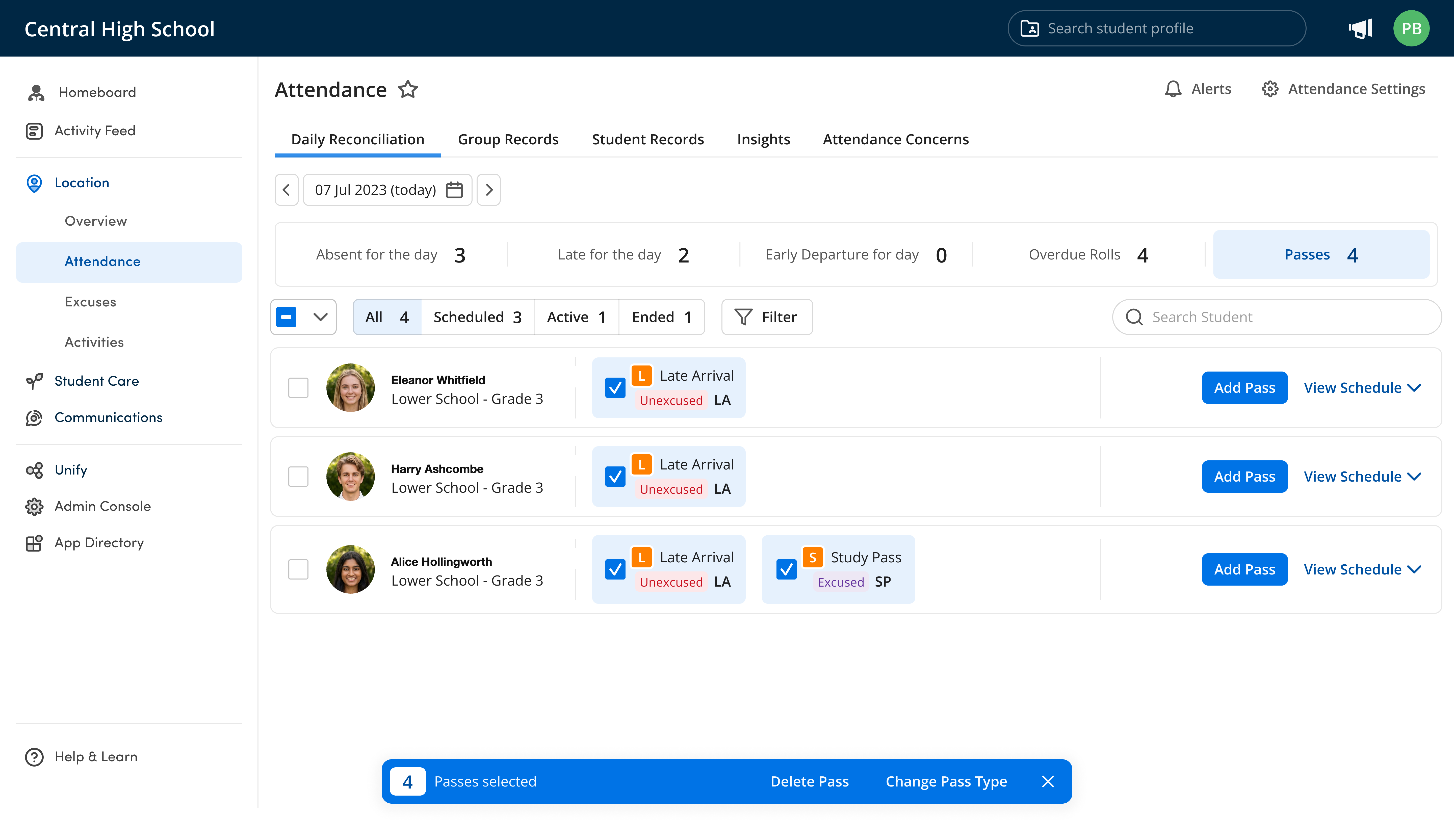
Preparedness through familiarity
Trusted by 500+ top schools in 20 countries



















Nothing new to learn. A list you can trust.
Familiar
The emergency roll is in the same app staff members use daily, so there's no new app or procedures to remember.
Accurate
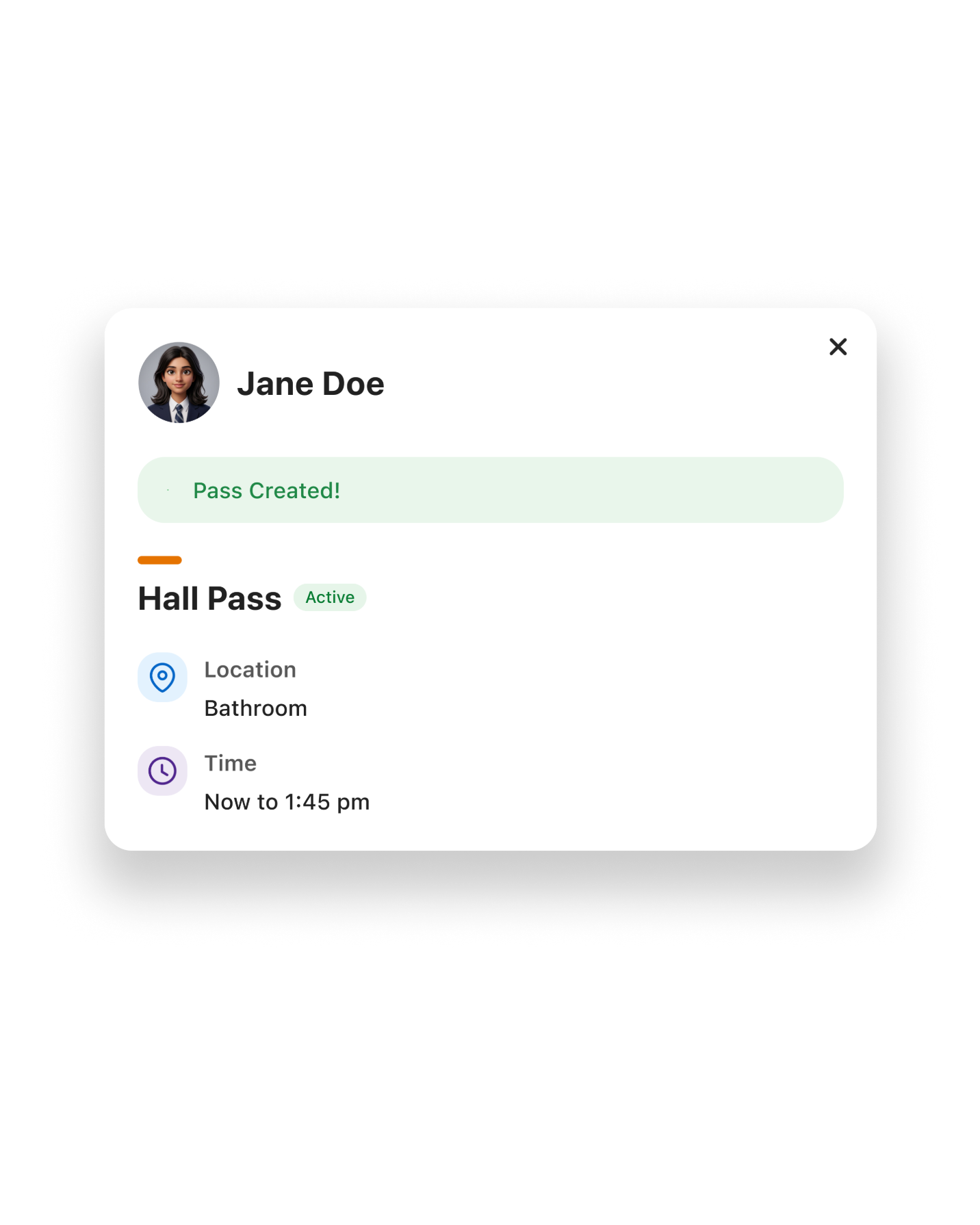
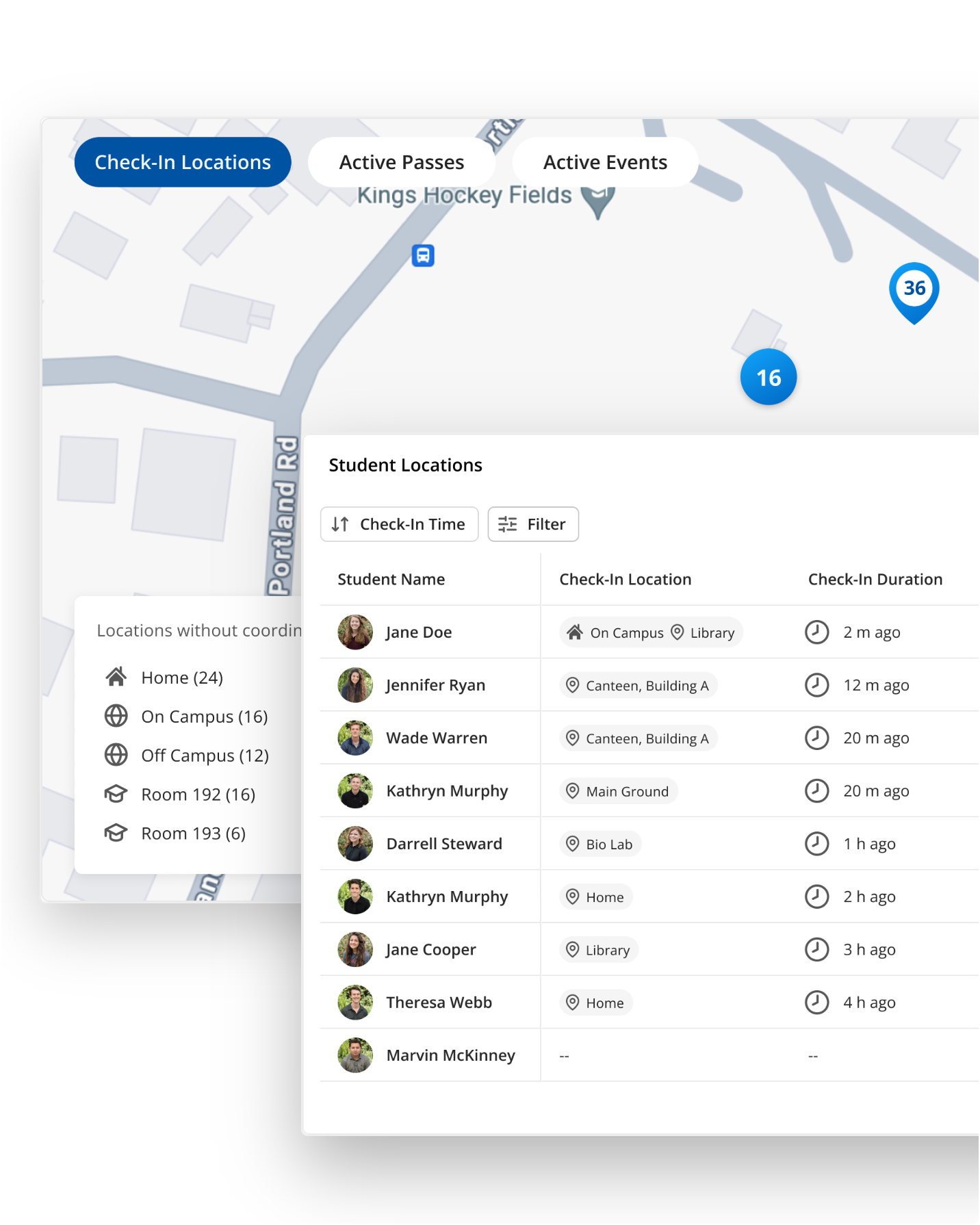
Attendance, passes, and dismissals feed one location record, so you start the roll with real-time data.
Verified
Every roll, drill, and message is timestamped and reportable for your board, insurer, or accreditation body.
The best emergency app is the one you know and feel comfortable with
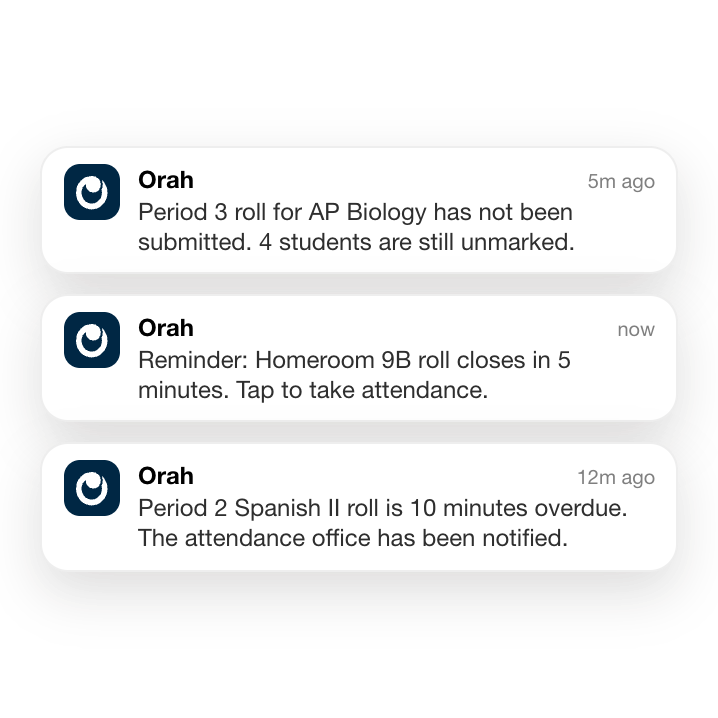

One app for morning roll and emergency rolls
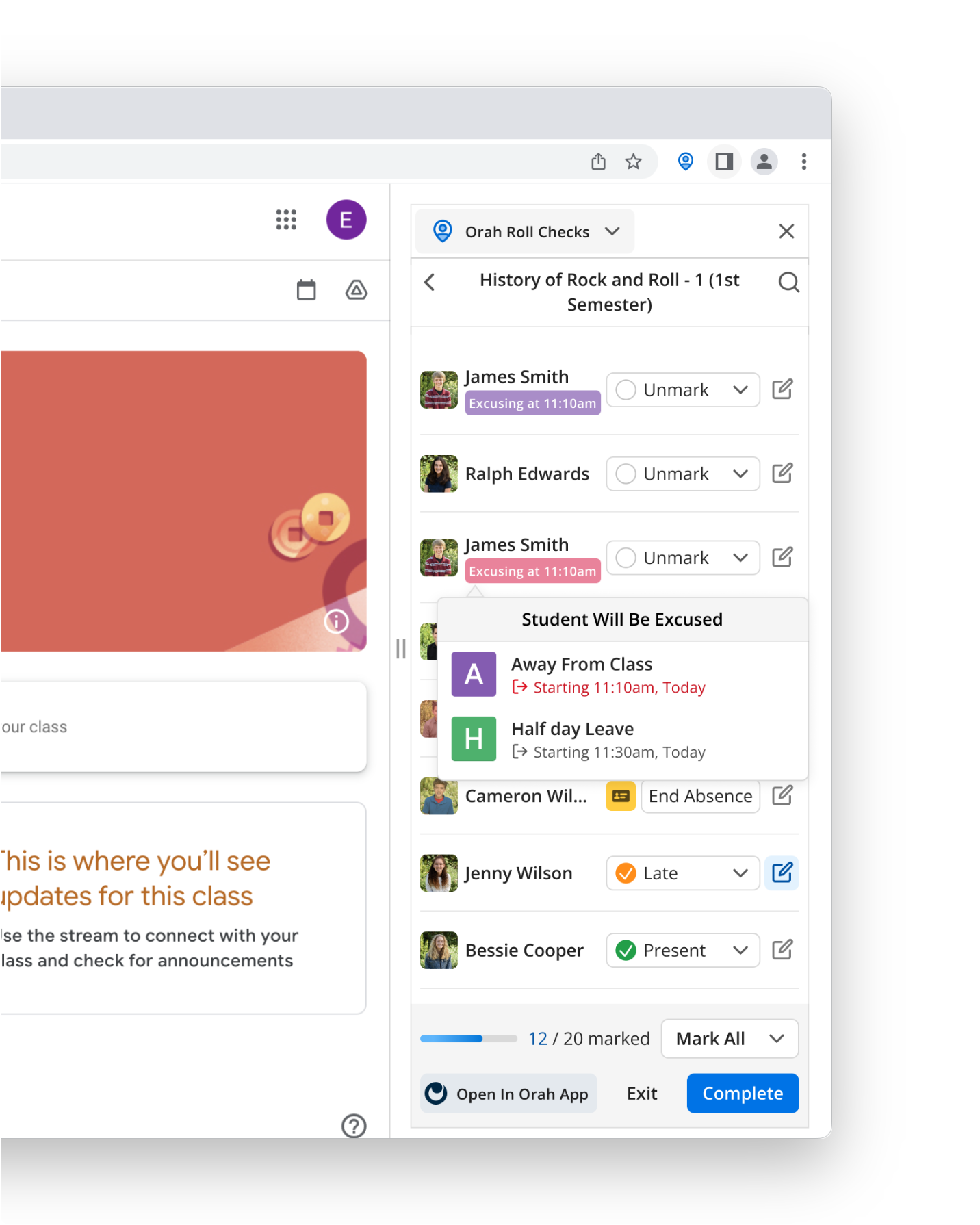
Use Orah for first-period attendance, and you've seen what an emergency roll looks like. The students are the same, and so are the taps. Safe takes the place of present. No second login, no second app, no retraining.
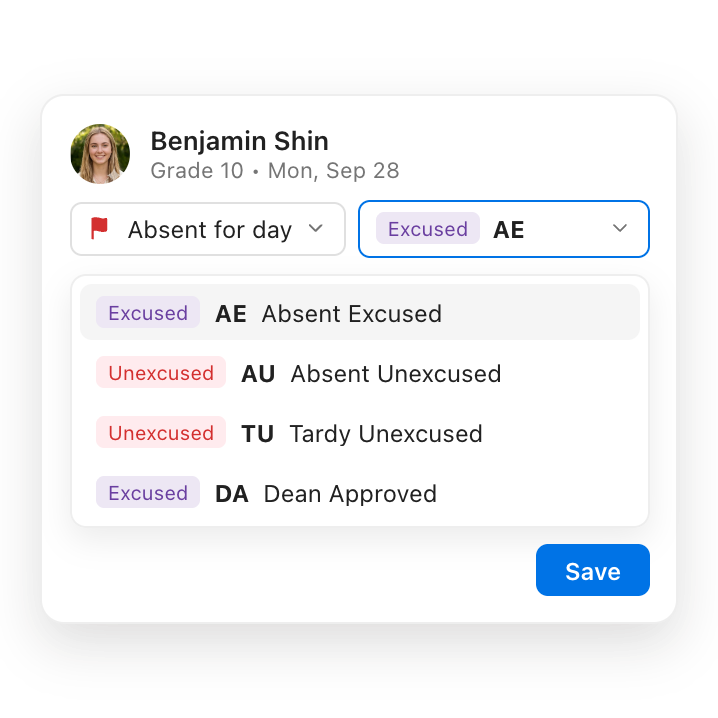
Muscle memory, your friend in stressful situations
Research from the "I Love U Guys" Foundation is blunt: roughly 80% of motor skills disappear under acute stress. Daily use is what makes a process survive the moment it's needed.
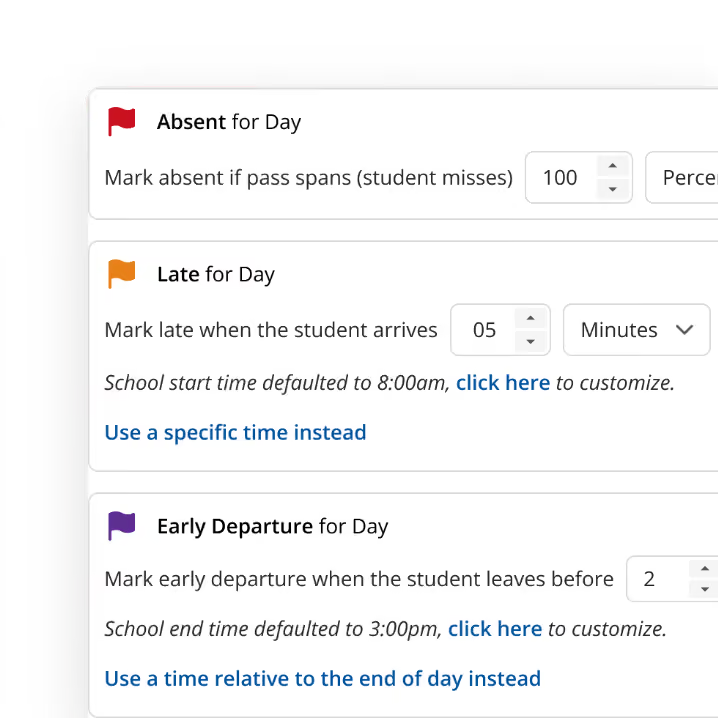
No adoption push needed
You introduce Orah through attendance, passes, and dismissals; jobs your staff already do daily. The emergency roll arrives in an app they already use, so emergency readiness is built in.
Most platforms start by trying to locate your students. Orah already knows.

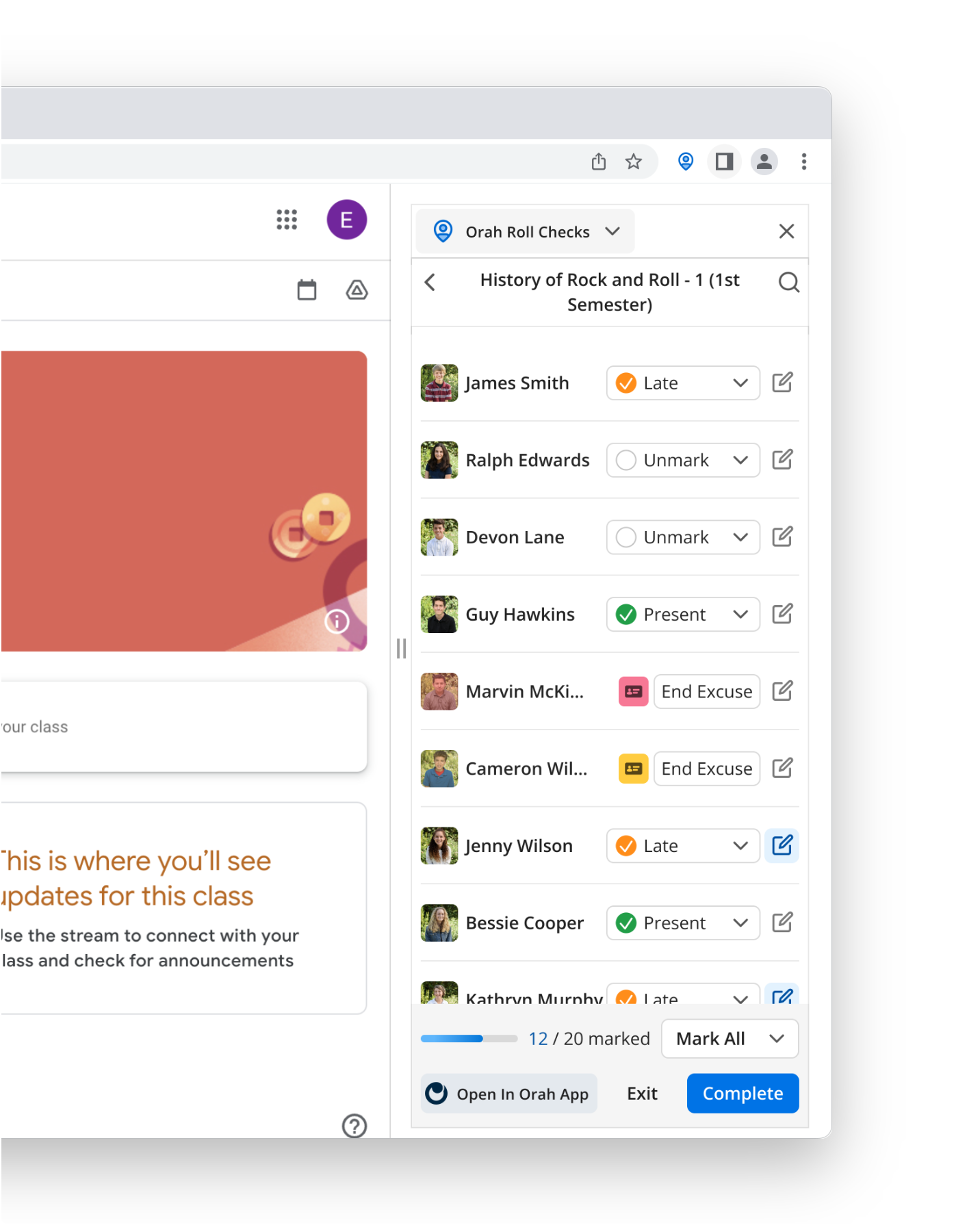
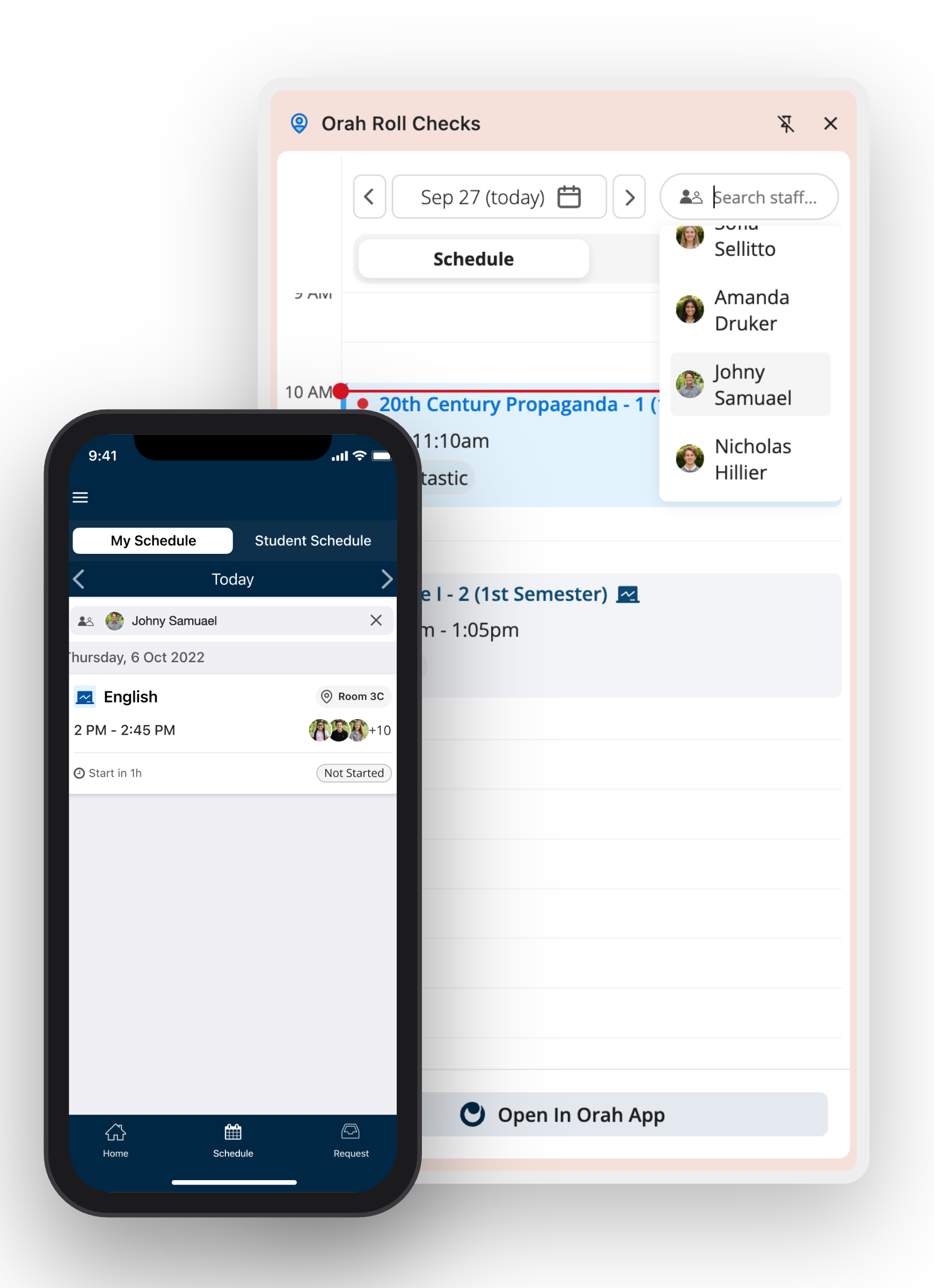
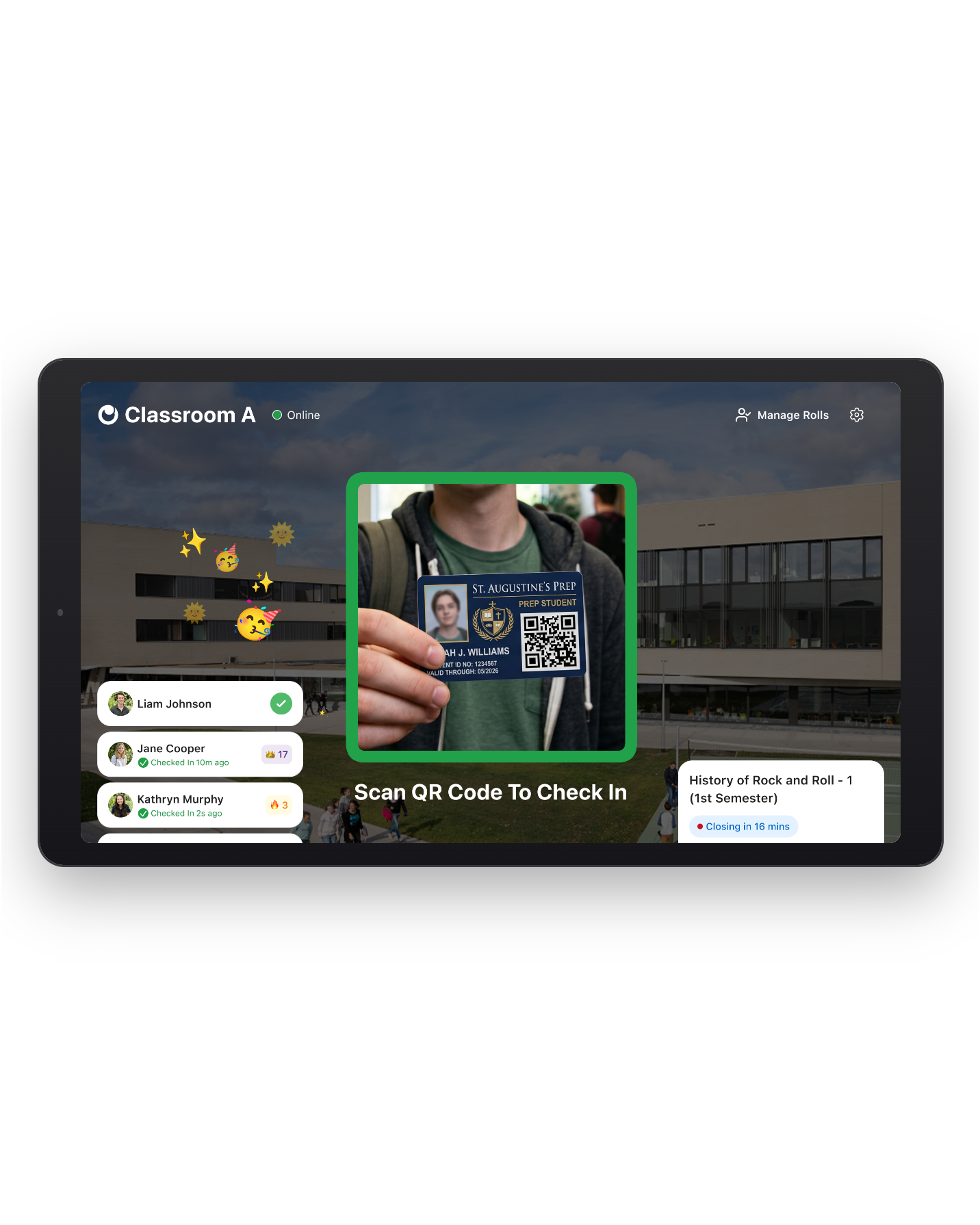
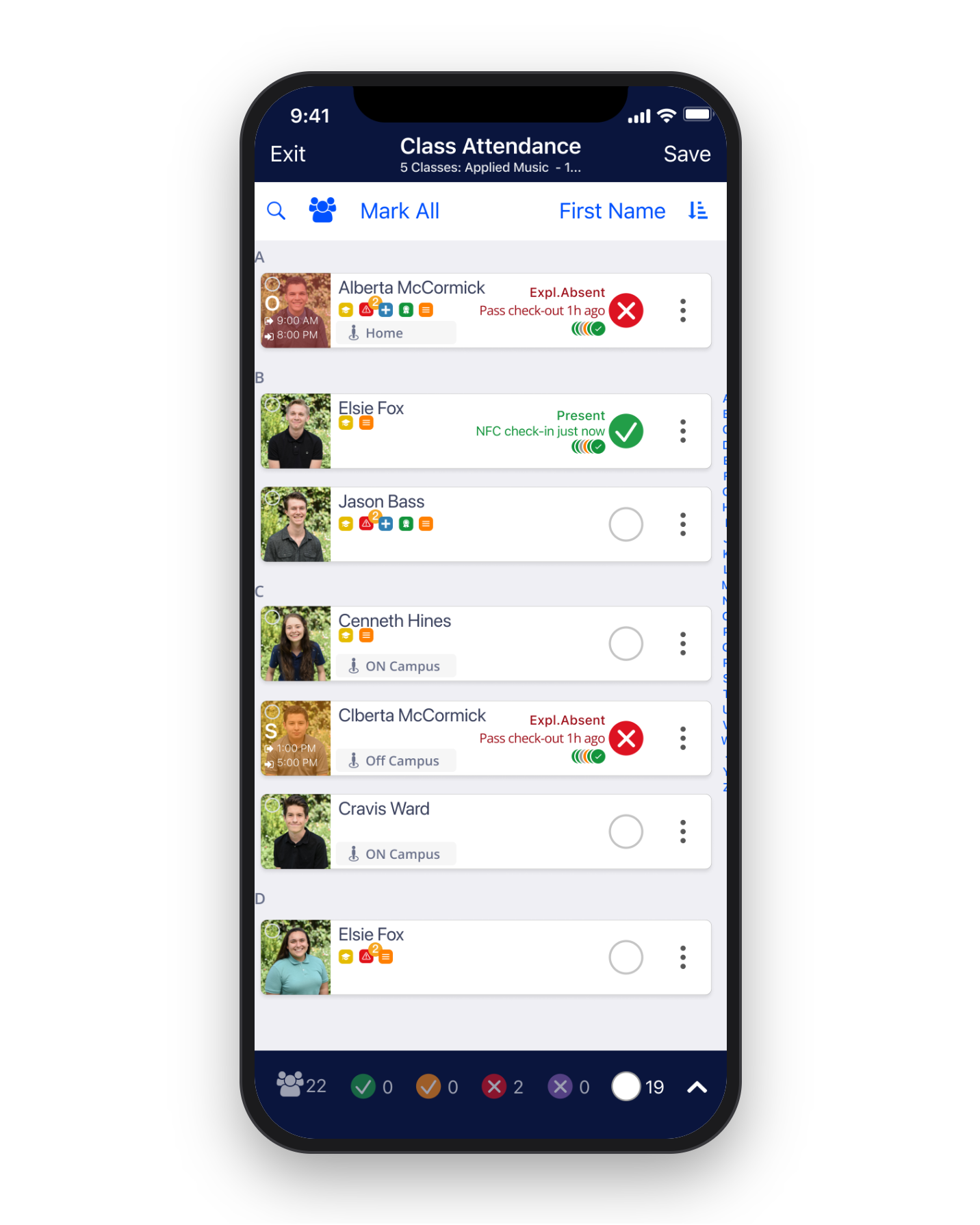
Real-time, accurate data of who's on campus right now
Your roll doesn't wait for a spreadsheet or for someone to reconcile lists. It's built from the record that period attendance, passes, and dismissals keep current, so you always start with an up-to-date emergency roll when you need it.
Know which students are off campus (and where)
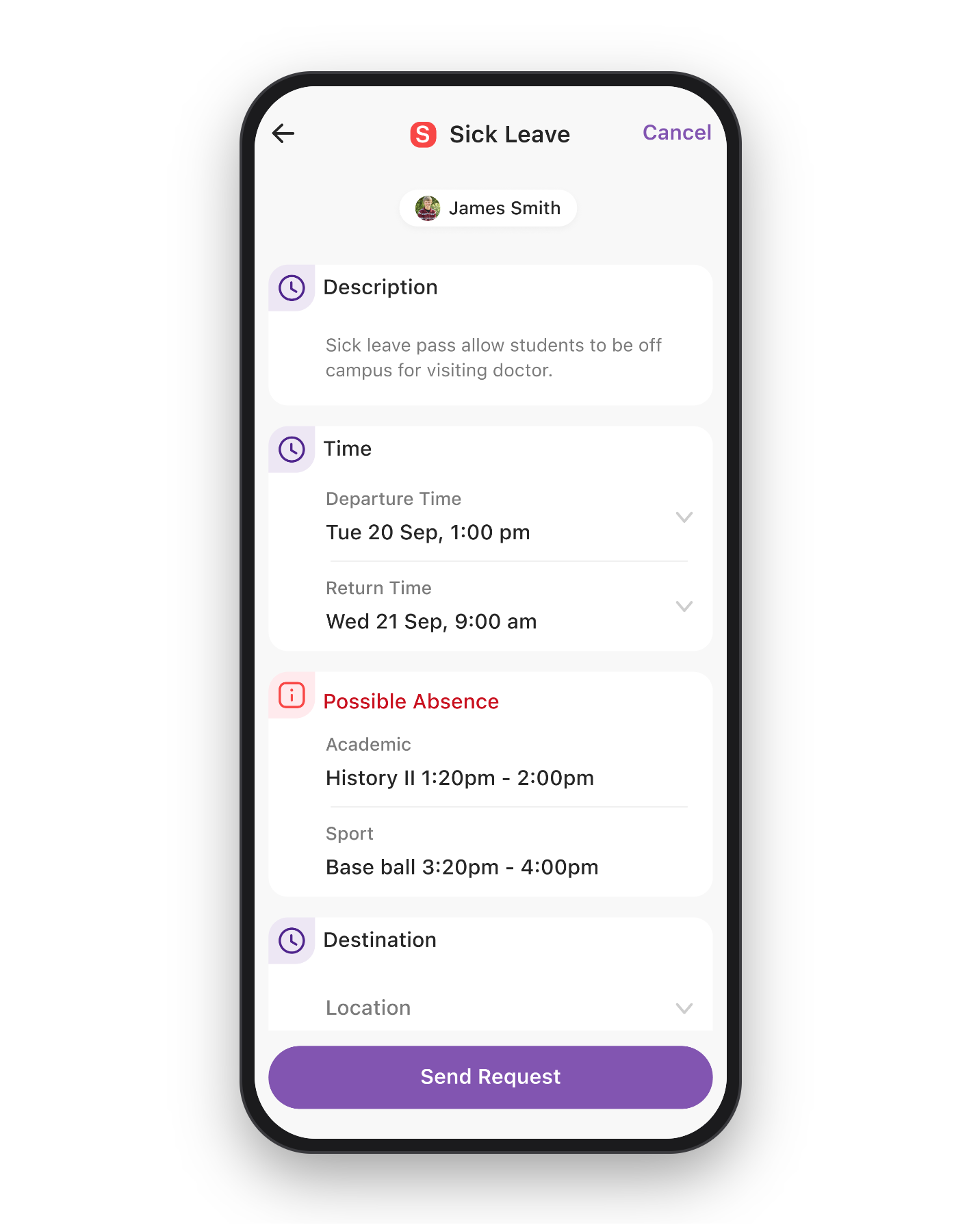
A student who left at 2:00 for an away game shows as off campus, with an approved leave pass and their last known location. Nobody goes looking for them at the assembly area.
Accurate, real-time data you can trust
Attendance and emergency rolls are the same platform, so there's no scheduled sync and nothing to wait for. When a teacher marks a student present, the emergency roll knows.
Account for everyone on campus
One roll covers students, staff, and visitors. A contractor who signed in through Visitor Aware appears on the roster for that campus and is marked safe or unaccounted for, just like everyone else.
Running the emergency digitally
Most schools still run drills with clipboards, paper rosters, and red and green cards, with a runner sent to find whoever's missing. Orah is a much better way.

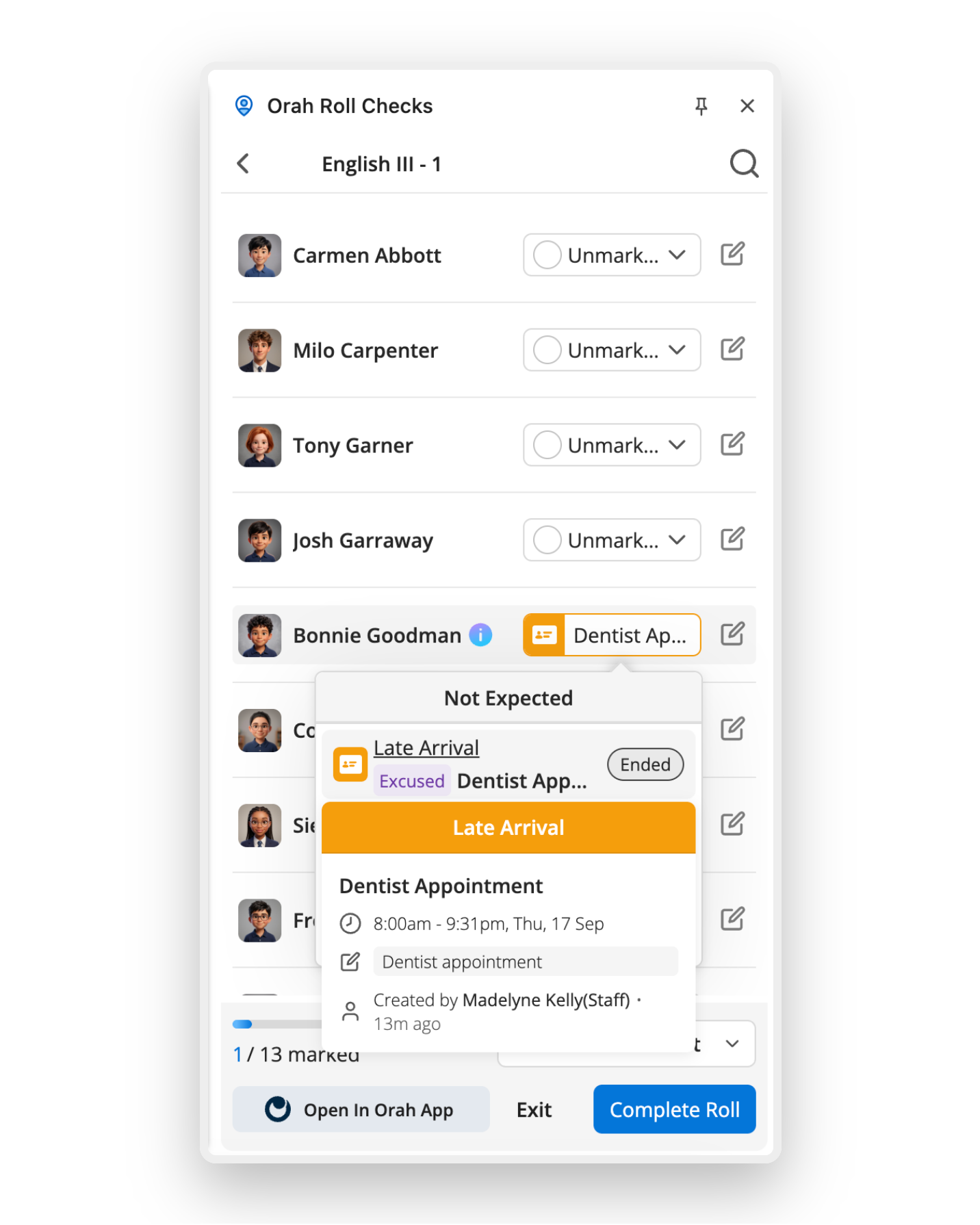
Launch from wherever you are
Designated staff can start an emergency roll from their phone. In a real emergency, they won't be sitting at a computer.
Live view of all students, staff, and visitors
The person running the emergency sees the count update in real time as students are marked safe, with the last known location and activity shown for missing students. Staff on site collaborate with staff traveling off site with a team to update the same roll together.
Ditch the clipboards, paper and red/green cards
Staff members mark students as safe from the muster point on the device already in their hand. Leadership can see the count immediately, rather than having it relayed by radio and reconciled later.
Configure custom roll types for every scenario
Set up custom roll types such as Fire Drill, Lockdown, Evacuation, or Shelter, each with its own default filters, default collaborators, response codes and alerts. Permissions control who can start, join and complete a roll.
One launch. Multiple channels. Everyone informed.

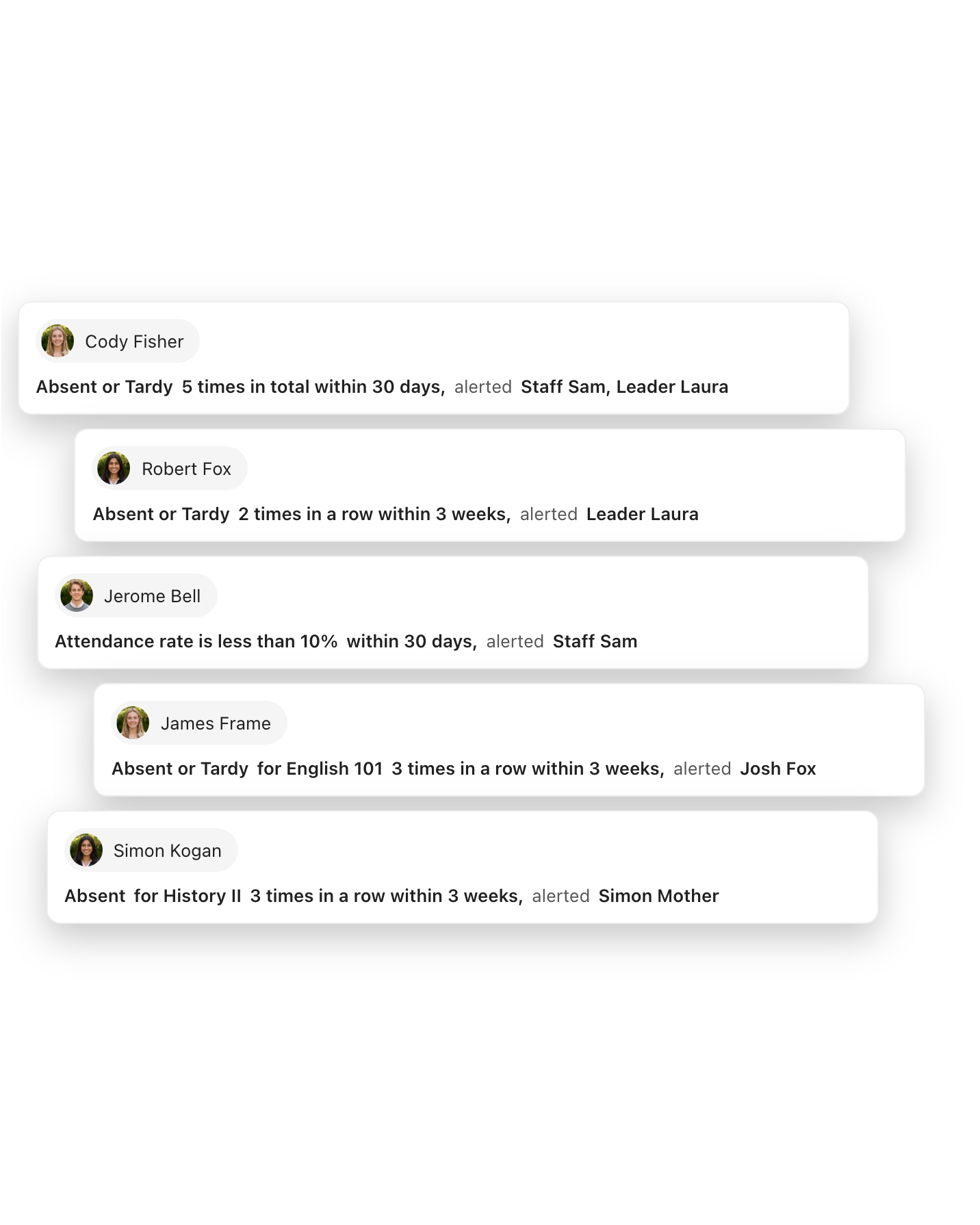
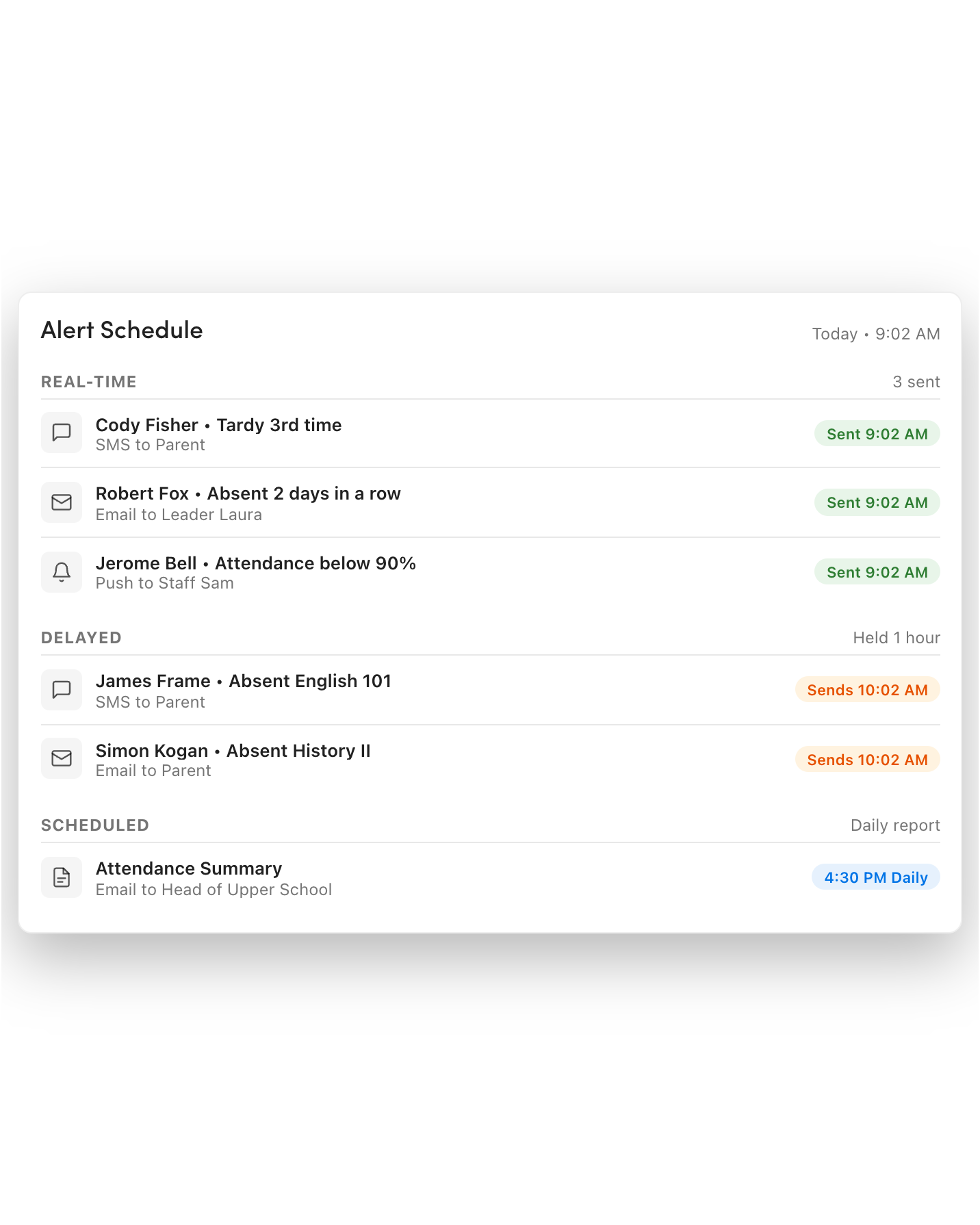
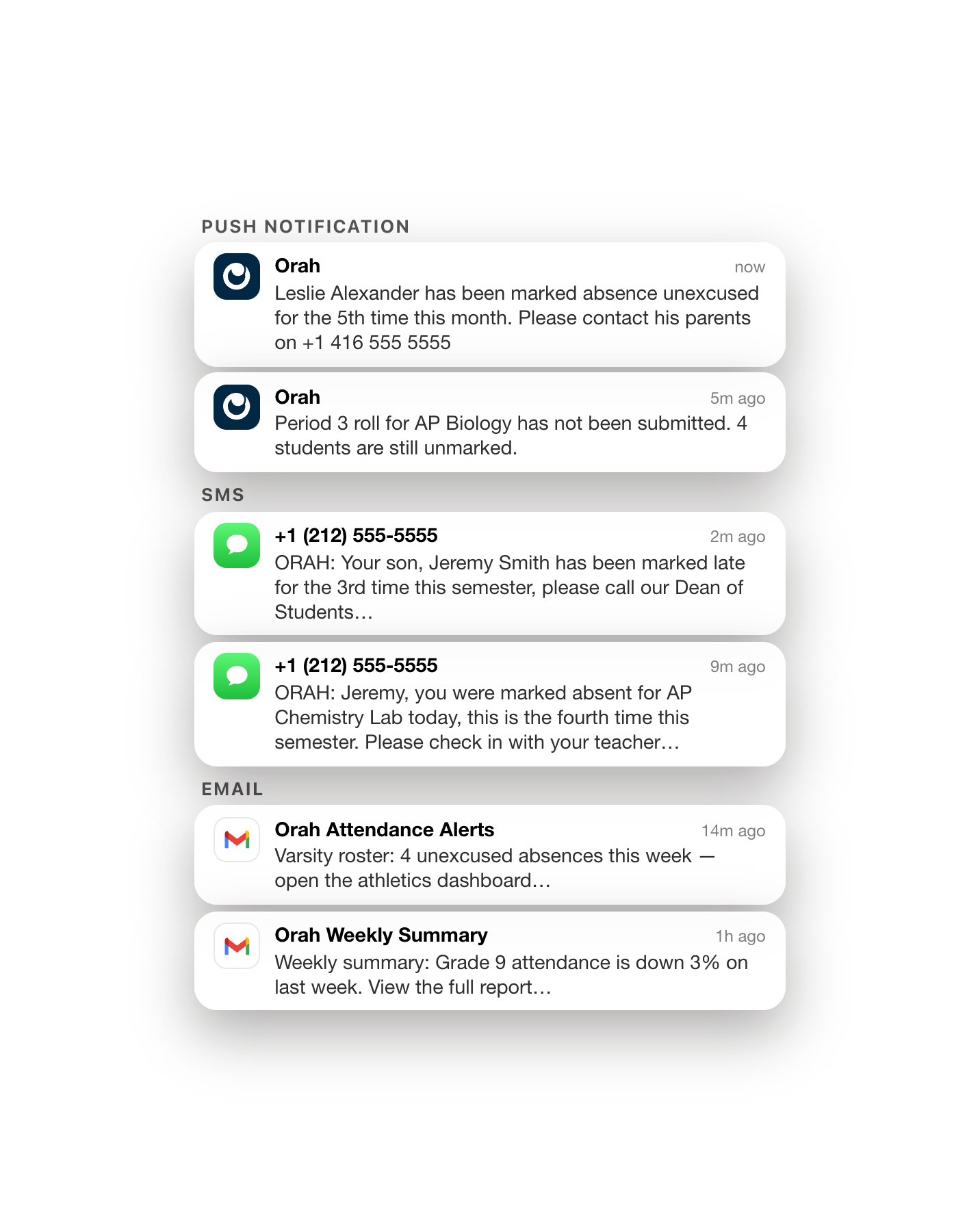
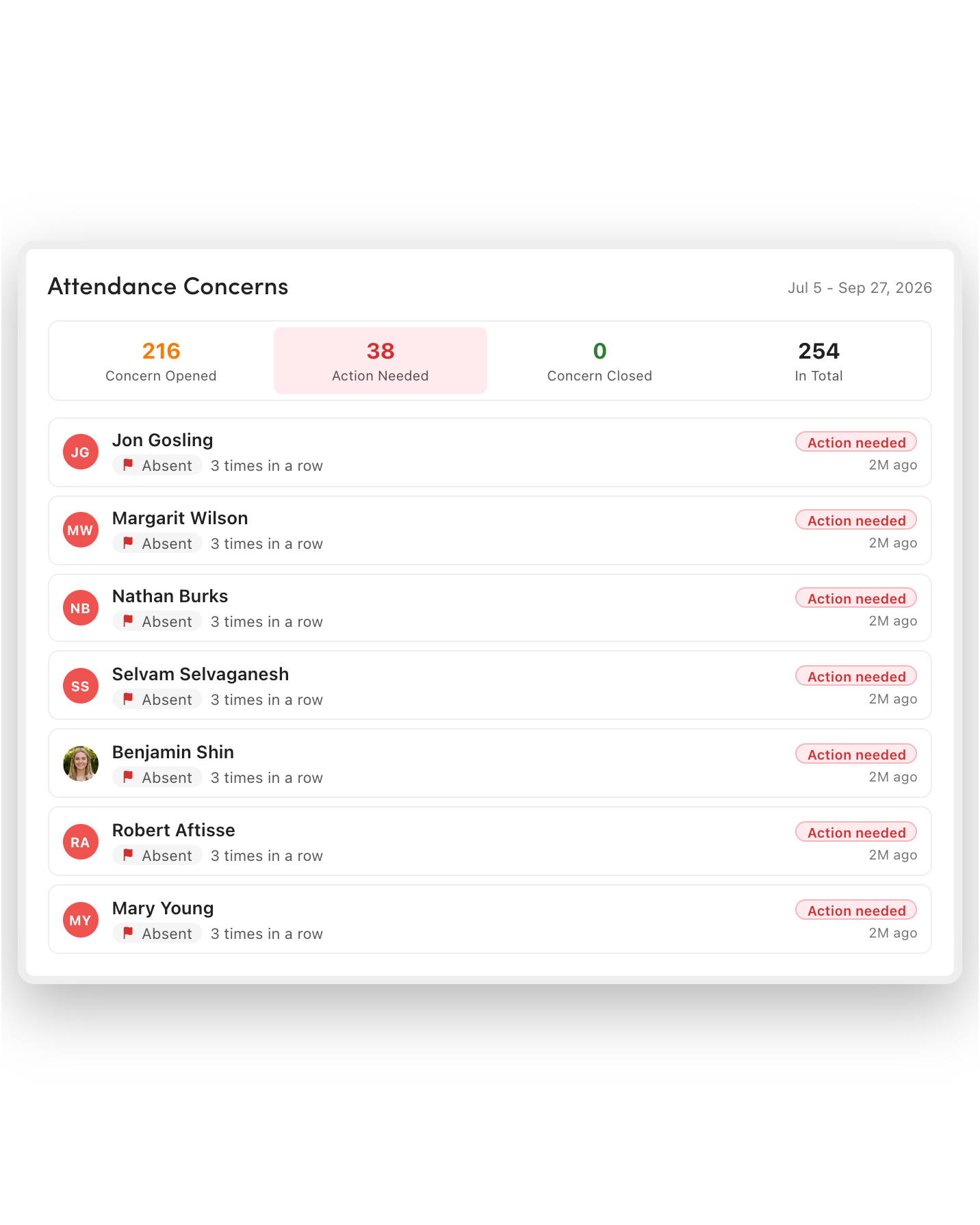
Multi-channel alerts on launch
Alerts go out on launch to staff, students, parent contacts, and staff attendees over push notification, in-app banner, SMS, and email, using custom templates for each audience. Critical alerts override normal notification settings.
Students can report in from wherever they are
Students can respond "Safe" or "Need help" in the student app, which is especially useful when they're on campus but not with a teacher. At one school, around half of students checked themselves in during a lockdown drill.
Two-way messaging inside the emergency
The person running the emergency and staff collaborators message each other in threads inside the roll. Nobody switches to a separate app to report in or seek clarification.
Automated "All-Clear" message
Staff, students, and parent contacts hear that the emergency is over at the same moment, in the same way they heard it began, via a customized template.
Learn from each drill, don't just tick boxes
Post-drill reporting on every roll
When a roll closes, Orah shows how long it took from the first tap to the last student marked safe, who was accounted for and when, who was unaccounted for, and how staff responded.
Data that shows what's working
Compare drills over time to see improvements. One school lifted campus-wide accountability from 87% to 95% in a year, and now reaches 100% for faculty.
Proof via timestamped records
Every roll, response, and message is timestamped as it happens. When your board, insurer, or accreditation body asks, you produce the record instead of assembling it.
Practice isn't limited to drills
You run rolls routinely, not just during scheduled drills. One school ran seven emergency rolls in its first 90 days with Orah.
Connected to the systems you already use
One tap triggers your physical alert systems
Starting an emergency roll in Orah begins a mapped InformaCast scenario: IP and overhead speakers, desk phones, desktop screen takeover, digital signage, mobile, SMS, and email. Accountability and alerting happen with the same action.
Your current systems can start the Orah roll
Your fire panel, building management system, lockdown system, or mass notification tool can start an Orah roll with one authenticated API call. Staff members see the same roll they would've seen if a person had started it.
Everyone included in the roll, including visitors
Visitors checked in on site appear in the emergency roster for that campus and are accounted for alongside students and staff, with the roster snapshotted so mid-roll checkouts stay in the audit trail.
"Within 90 seconds, everybody was accounted for and we identified the kids that were missing. I went back to the committee and I said, we're missing these four kids. And he's like, and that's who we have. Good job. That's impressive. In the old days, we literally had nine or 10 clipboards with everybody's name on it, which was just crazy."
FAQs
Who can start an emergency roll?
Permissions control who can start, join, and complete a roll. Designated staff can start one from their phone, while connected systems, such as a fire panel or lockdown system, can start it through the API.
Where does the emergency roster come from?
Emergency rosters come from the same student location record that period attendance, hall passes, early dismissals, late arrivals, and absences write to throughout the day, rather than the morning's static roster.
Are staff and visitors included, or only students?
Yes, staff members are accounted for in the same roll. Visitors checked in through Visitor Aware appear in the roster for the campus where the roll started and are marked "safe" or "unaccounted for," alongside students.
Can we set up different workflows for a fire drill and a lockdown?
Yes. You can set up roll types such as Fire Drill, Lockdown, Evacuation, or Shelter, each with its own default filters, collaborators, response codes, and alerts.
What evidence do we have after a drill?
Every roll produces a report covering how long it took, who was accounted for and when, who was missing, and how staff responded. Every response and message is timestamped for your board, insurer, and accreditation body.
See the next generation of class attendance
A 30-minute walkthrough with someone who knows school attendance operations.


